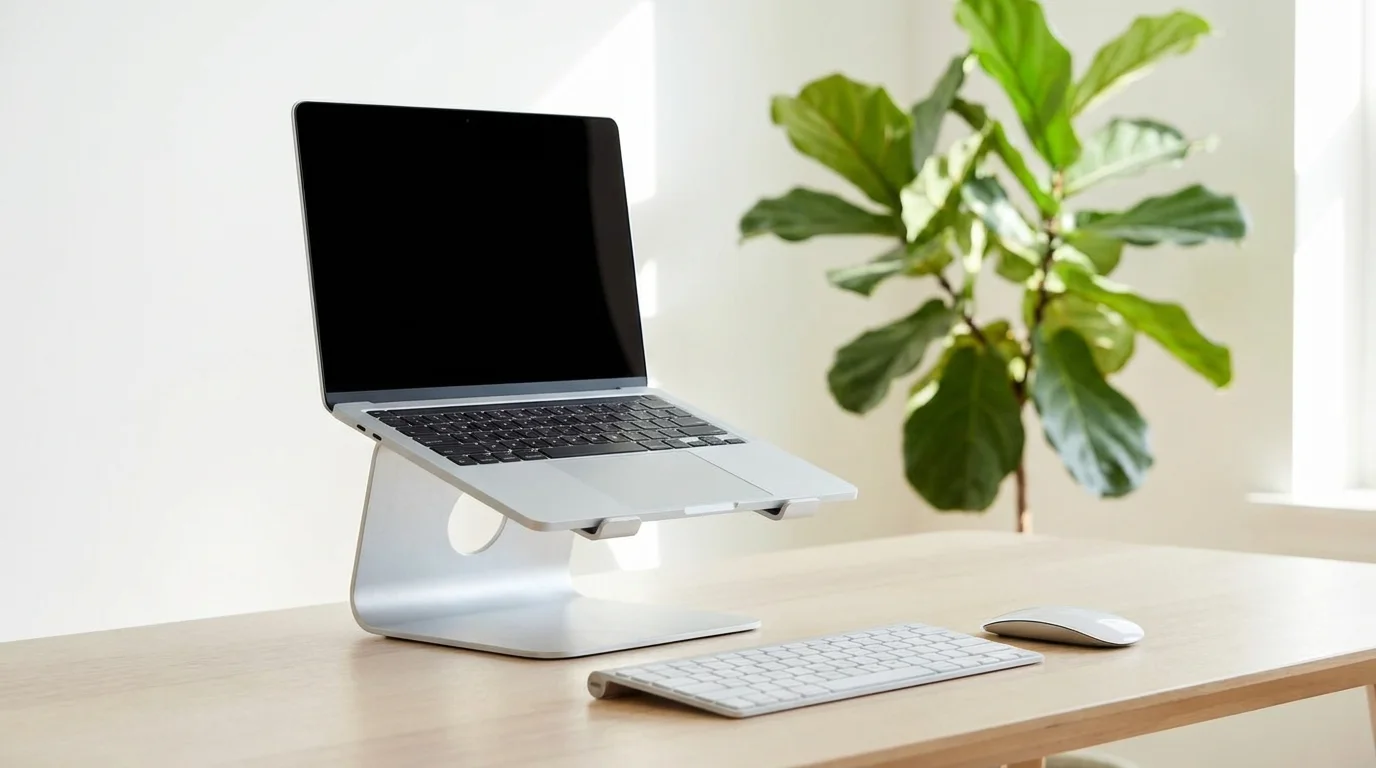
A complete home office setup in Australia costs about $790 to $1,580 and comes down to twelve items: desk, ergonomic chair, monitor, monitor arm, keyboard, mouse, desk lamp, webcam or headset, power board, cable tray, desk pad and chair mat. Buy the chair, desk and monitor first. They are just over 60% of the spend and all of the comfort.
Those figures are not a guess. Every price band below was read off Amazon Australia listings on 14 August 2026, using the cheapest and dearest in-stock option we would actually recommend in each category. Buy the bottom of every band and the twelve-item kit lands near $790. Buy the top of every band and it lands near $1,580. Most people end up somewhere in the middle, and most people get there over three or four months rather than in one weekend. This is not a fringe arrangement either: 36% of employed Australians usually worked from home in August 2025, according to the ABS.
What do you need for a home office setup?
Twelve items, in the order that matters. Prices are Australian dollars, checked on Amazon AU on 14 August 2026.
- Ergonomic chair: $120 to $410. The one item you sit in for eight hours. Entry-level mesh task chairs with adjustable lumbar start around $120; the much-reviewed SIHOO M57 sits near the top of that band. Below $120 you are buying a dining chair with wheels.
- Desk: $170 to $300. Electric sit-stand desks now start around $170 for a 100x60cm frame and run to about $300 for a 160x70cm surface with a keyboard tray. That is cheaper than most fixed desks were three years ago, which is why our standing desk guide no longer treats them as a luxury.
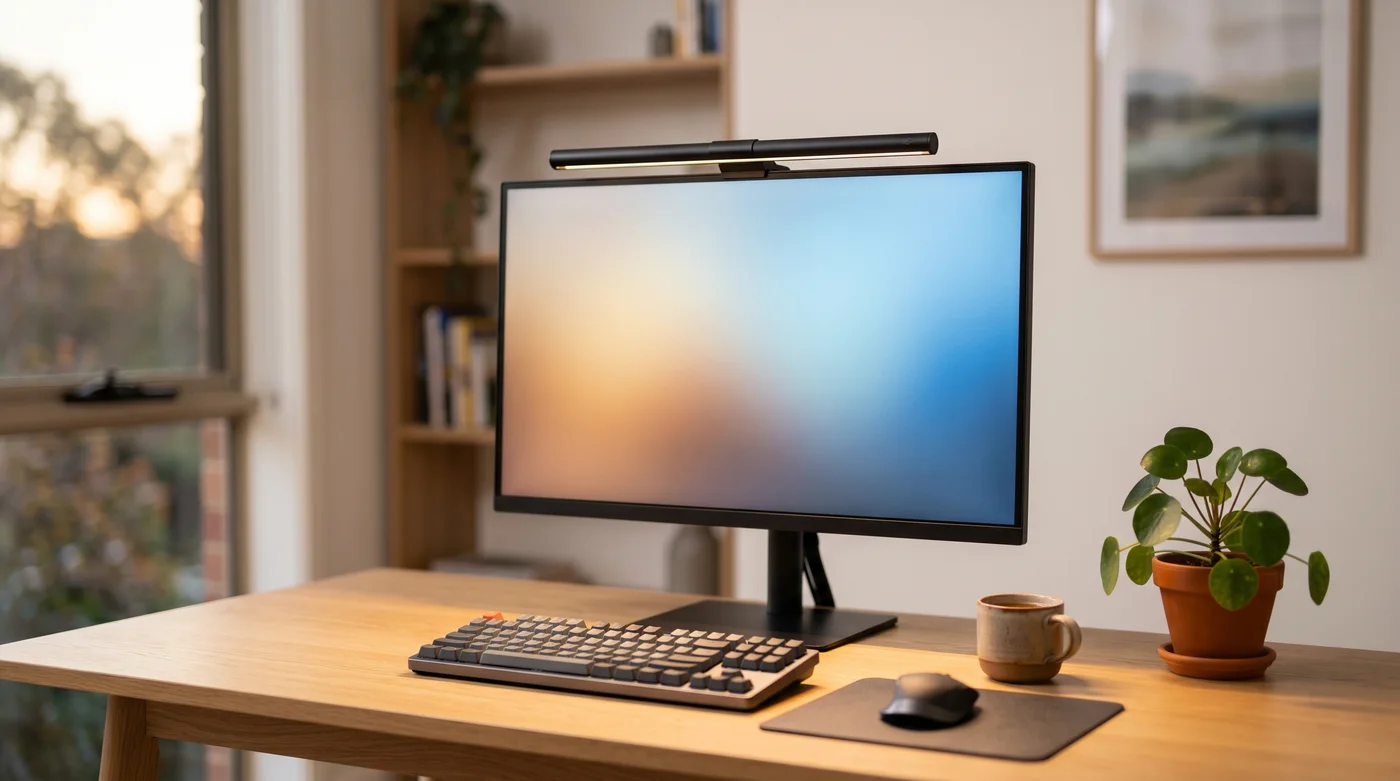
- External monitor, 24 to 27 inch: $200 to $290. A 27-inch 1080p IPS panel is about $200; a 24-inch USB-C model that charges your laptop over the same cable is about $290. Either beats a laptop screen. See the full monitor comparison.
- Monitor arm: $40 to $51. The cheapest genuine ergonomic upgrade in the kit. It gets the screen to eye height and gives you back the desk space the stock stand was eating. Gas-spring arms for 13 to 32 inch screens are $40 to $51 in our monitor arm testing.
- Keyboard: $43 to $95. If your laptop sits on a stand or arm at eye height, you need a separate keyboard or your shoulders do the work. Compact mechanical boards start at $43; a hot-swappable 75% board is about $95. See the mechanical keyboard guide.
- Mouse: $45 to $95. A full-size wireless mouse is about $45. A vertical mouse, which holds your wrist in a handshake position rather than flat, is about $85. Compared in our wireless mouse guide.
- Desk lamp: $40 to $52. Screen glare and a dark room is what actually causes evening eye strain, not the screen alone. Adjustable-temperature LED task lamps are $40 to $52, covered in our LED desk lamp guide.
- Webcam or headset: $32 to $130. A wired USB headset with a noise-cancelling mic starts at $32, which is the single biggest upgrade to how you sound on calls. A 1080p or 4K webcam runs $100 to $130. See the webcam comparison. Buy the headset first; people forgive a soft picture, not a bad microphone.
- Surge-protected power board: $25 to $35. A desk runs a monitor, a laptop charger, a lamp and a dock off one wall socket. Boards with 900J surge protection and USB-C outputs are $25 to $35 in our surge protector guide.
- Under-desk cable tray: $25 to $38. Non-negotiable if you bought a sit-stand desk, because every cable needs slack to travel. No-drill clamp trays are $25 to $38 on Amazon AU.
- Desk pad: $15 to $32. A felt or leather mat gives you a consistent mousing surface, quietens typing and stops a timber top getting scratched. $15 for 80x30cm, about $32 for a full 120x60cm desk mat. See the desk mat guide.
- Chair mat: $31 to $49. Only if you are on floorboards, tiles or vinyl. Castor wheels will mark a timber floor within a year. Hard-floor chair mats at 120x90cm are $31 to $49 on Amazon AU.
Items 1 to 4 are the setup. Items 5 to 8 are what make it usable all day. Items 9 to 12 are the finishing layer, and every one of them costs less than $50.
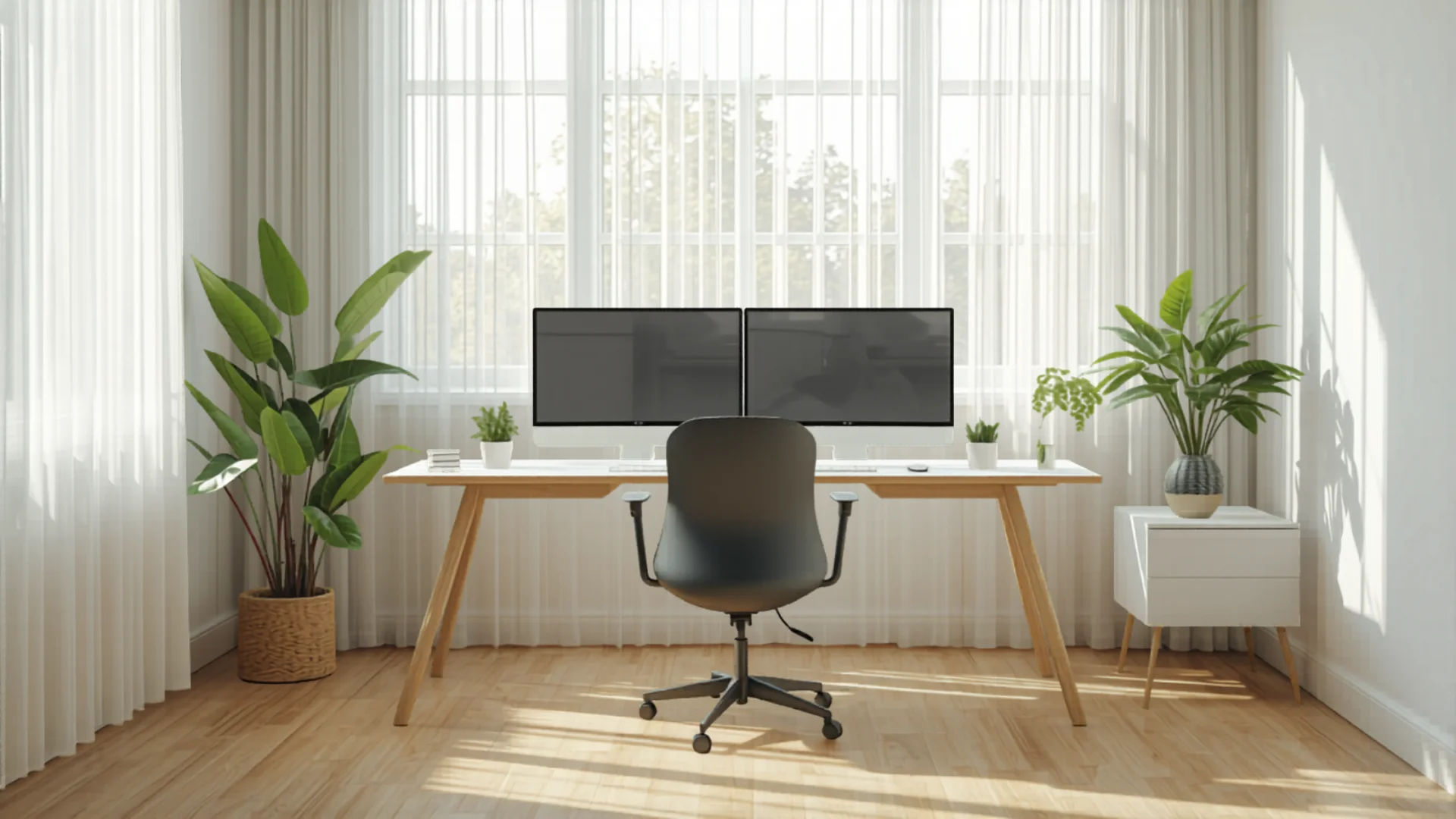
How much does a home office setup cost in Australia?
Between about $790 and $1,580 for the full twelve items, depending on where in each band you land. Three realistic build levels:
- The $490 starter. Chair ($120), desk ($170), monitor ($200). Skip everything else for now and use the laptop keyboard. This is the minimum that will not hurt you.
- The $900 proper setup. Step the chair up to about $330, keep the $170 desk and $200 monitor, then add a monitor arm ($40), keyboard and mouse ($88), a desk lamp ($40) and a headset ($32). That comes to $900 on the nose, and it is where most full-time remote workers should end up.
- The $1,580 long-haul setup. Top of every band: a $410 chair, a $300 sit-stand desk, a $290 USB-C monitor, plus all nine accessories. Worth it only if working from home is permanent rather than two days a week.
The costs that surprise people are the small ones. A power board, a cable tray, a desk pad and a chair mat add $96 to $154 between them, and none of them feel like a purchase you are making until the desk is already in the room.
What should you buy first for a home office?
Chair, then desk, then monitor, then everything else. The reasoning is simple: the chair is the only item your body is in contact with for the entire working day, the desk determines whether the chair can be set to the right height at all, and the monitor is what stops you looking down at a laptop for eight hours.
The mistake we see most often is buying the accessories first. A mechanical keyboard and a desk mat on a kitchen table, with a dining chair underneath, is a worse setup than a $170 desk and a $150 task chair with the laptop propped on a stack of books. Fix the foundation, then decorate it.
Which office chair should you buy?
The chair market on Amazon AU splits cleanly into three bands. Under $200 you get mesh task chairs with adjustable lumbar and flip-up armrests, genuinely adequate for two or three days a week. Between $200 and $450 you get proper multi-point adjustment, seat tilt and a headrest, which is the right tier for full-time work. Above $500 you are paying for warranty length, build quality and longer-term support rather than a dramatic change in how it feels on day one.
Whatever you buy, three adjustments matter more than the brand on the box: seat height (feet flat, knees at about 90 degrees), lumbar depth (the curve should meet the small of your back, not your mid-spine), and armrest height (forearms parallel to the floor, shoulders down). A $150 chair set up correctly beats a $900 chair left at factory settings. Our ergonomic chair guide compares the current AU line-up in detail, and if the same desk doubles as a gaming station after hours, our gaming chair guide covers racing-style seats built for long sessions.
Do you need a standing desk to work from home?
You do not need one, but the price gap has closed to the point where it is hard to argue against. Electric sit-stand frames now start around $170, which is the same money a fixed desk of the same size costs. The health case is for alternating, not for standing all day: the practical target is 30 to 60 minutes standing for every 60 to 90 minutes seated, which is much easier to hit with a memory-preset controller than by manually cranking a handle.
Two things to check before you buy. First, desktop depth: you want at least 60cm so a monitor sits an arm's length away. Second, the height range: most frames go from about 72cm to 120cm, which suits people roughly 160cm to 190cm tall. If you are outside that, check the specification rather than assuming. Full comparison in our standing desk guide.

What size monitor do you need, and how high should it sit?
For general office work, 24 to 27 inches at 1080p or 1440p is the sweet spot, and the difference that matters is not the size but the height. The top of the screen should sit at or just below eye level, roughly an arm's length away. A laptop screen sits about 30cm too low, which is why a monitor plus a stand or arm removes more neck strain than either does alone.
Go to 27 inches at 4K only if you work in design, photo or video, or if you routinely have three windows side by side. For spreadsheets and documents, a second 24-inch screen does more than one bigger one. If you work mostly from a laptop and want the screen lifted without a second display, a monitor arm paired with an external keyboard does the same job for about $83 all up.
Which accessories actually matter?
Four of the nine accessories in the kit earn their place immediately:
- Monitor arm ($40 to $51): the highest ergonomic return per dollar in the entire setup.
- Headset ($32 to $77): the difference between sounding present on a call and sounding like you are in a tunnel.
- Desk lamp ($40 to $52): matters most for anyone who works past sunset in winter.
- Cable tray ($25 to $38): the thing that stops a sit-stand desk from yanking its own cables out.
The other five (keyboard, mouse, power board, desk pad and chair mat) are worth buying, but nothing breaks if you wait a month. Buy the chair mat immediately if you are on floorboards; that is the one where waiting costs you more than the mat.
How do you fit a home office into a bedroom or small space?
A 100x60cm desk is the smallest surface that still fits a monitor and a keyboard comfortably, and it will slot into a bedroom corner or an alcove. Three space-saving moves that work in Australian apartments and smaller homes:
- Put the monitor on an arm, not a stand. A clamp-mounted arm reclaims about 25cm of depth, which is often the difference between a desk fitting and not fitting.
- Go vertical. A shelf above the desk holds the things a second drawer would, without taking floor space. Our desk shelf guide covers the options.
- Keep the desk out of the sleep zone if you can. If it has to be in the bedroom, face it away from the bed and use a task lamp rather than the ceiling light, so the room reads differently at 9am and at 9pm.
When is it worth spending more?
Spend up on the chair when working from home is permanent (four or five days a week, indefinitely) rather than occasional. That is the only item where the premium tier buys you something you feel every single day, and where a longer warranty genuinely matters because the failure points (gas cylinder, castors, mesh tension) are mechanical. The premium tier sits well above the $410 top of the chair band in the kit list: Singapore-designed chairs such as the ErgoTune Joobie run close to $1,000 on Amazon AU, which is a different decision from the one the rest of this guide is about.
Everything else has a much flatter curve. A $290 monitor is not meaningfully better to work at than a $200 one. A $95 keyboard is nicer to type on than a $43 one, but it does not change your posture. If you have $300 spare and are choosing between upgrading the monitor and upgrading the chair, upgrade the chair.
Can you claim your home office setup on tax in Australia?
Often, yes, but the equipment and the running costs are claimed separately, and this is where most people get it wrong.
The ATO's fixed rate method is 70 cents per work hour for the 2024-25 and 2025-26 income years. That rate covers electricity and gas, home and mobile internet, phone usage, and stationery and computer consumables. If you use it, you cannot claim those things again separately.
Furniture and technology are claimed on top of the fixed rate. Under ATO rules, an item that cost $300 or less and is used mainly to produce non-business income can be claimed as an immediate deduction in the year you buy it. The ATO specifically names keyboards, computer mice, power boards, desk lamps and chargers as examples. Items costing more than $300, or that form part of a set costing more than $300 together, are claimed as a decline in value over the item's effective life instead.
Two practical consequences for the kit above. First, most of items 4 to 12 fall under the $300 threshold individually. Second, the "set" rule means a keyboard and mouse bought together as a combo can be treated as one item for the threshold, so check the total, not the line item. You must also apportion for private use, and you need records kept at the time. The ATO does not accept estimated hours. Keep receipts and confirm your own position with your accountant; this is general information, not tax advice.
Frequently asked questions
What do you need for a home office setup?
A working home office setup needs twelve items: an ergonomic chair, a desk, an external monitor, a monitor arm, a keyboard, a mouse, a desk lamp, a webcam or headset, a surge-protected power board, an under-desk cable tray, a desk pad and a chair mat. On Amazon Australia in August 2026 that kit costs about $790 at the bottom of every price band and about $1,580 at the top. The chair, desk and monitor account for just over 60% of the total.
How much does a home office setup cost in Australia?
About $790 to $1,580 for a complete twelve-item setup. A minimum viable setup of chair, desk and monitor is about $490. A setup most full-time remote workers would be happy with, adding a monitor arm, keyboard, mouse, lamp and headset, lands near $900. The individual bands are: chair $120 to $410, desk $170 to $300, monitor $200 to $290, and the nine accessories $296 to $577 combined.
What should I buy first for a home office?
Buy the chair first, then the desk, then the monitor. Your body is in contact with the chair for the whole working day, the desk determines whether the chair can be set to the right height, and the monitor is what stops you looking down at a laptop screen for eight hours. Accessories such as a mechanical keyboard or a desk mat should come last, no matter how appealing they look. They improve a good setup and cannot rescue a bad one.
Is a standing desk worth it for working from home?
Yes, mainly because the price gap has closed. Electric sit-stand frames now start around $170 on Amazon AU, roughly what a fixed desk of the same size costs. The benefit comes from alternating rather than standing all day: aim for 30 to 60 minutes standing for every 60 to 90 minutes seated. A memory-preset controller makes that realistic in a way a manual crank does not. Check the desktop is at least 60cm deep and that the height range suits your height before buying.
What is the best budget office chair in Australia?
In the sub-$200 band, mesh task chairs with adjustable lumbar support and flip-up armrests from brands such as Keratee, Mimoglad and the SIHOO B100 SE range are the most commonly listed options on Amazon Australia, running roughly $120 to $200. Step up to about $330 to $410 for the SIHOO M57, depending on colourway, which adds 3D armrests and adjustable lumbar support. Below $120 you are buying a dining chair with castors. It will not hold you at a desk for eight hours.
Can I claim home office equipment on tax in Australia?
Yes, separately from the running-cost rate. The ATO's fixed rate method is 70 cents per work hour for 2024-25 and 2025-26 and covers energy, internet, phone and stationery. Furniture and technology are claimed on top: an item costing $300 or less used mainly to produce non-business income can be claimed immediately, while items over $300 (or sets totalling over $300) are claimed as a decline in value over their effective life. You must apportion for private use and keep a record of hours made at the time. Confirm your position with your accountant.