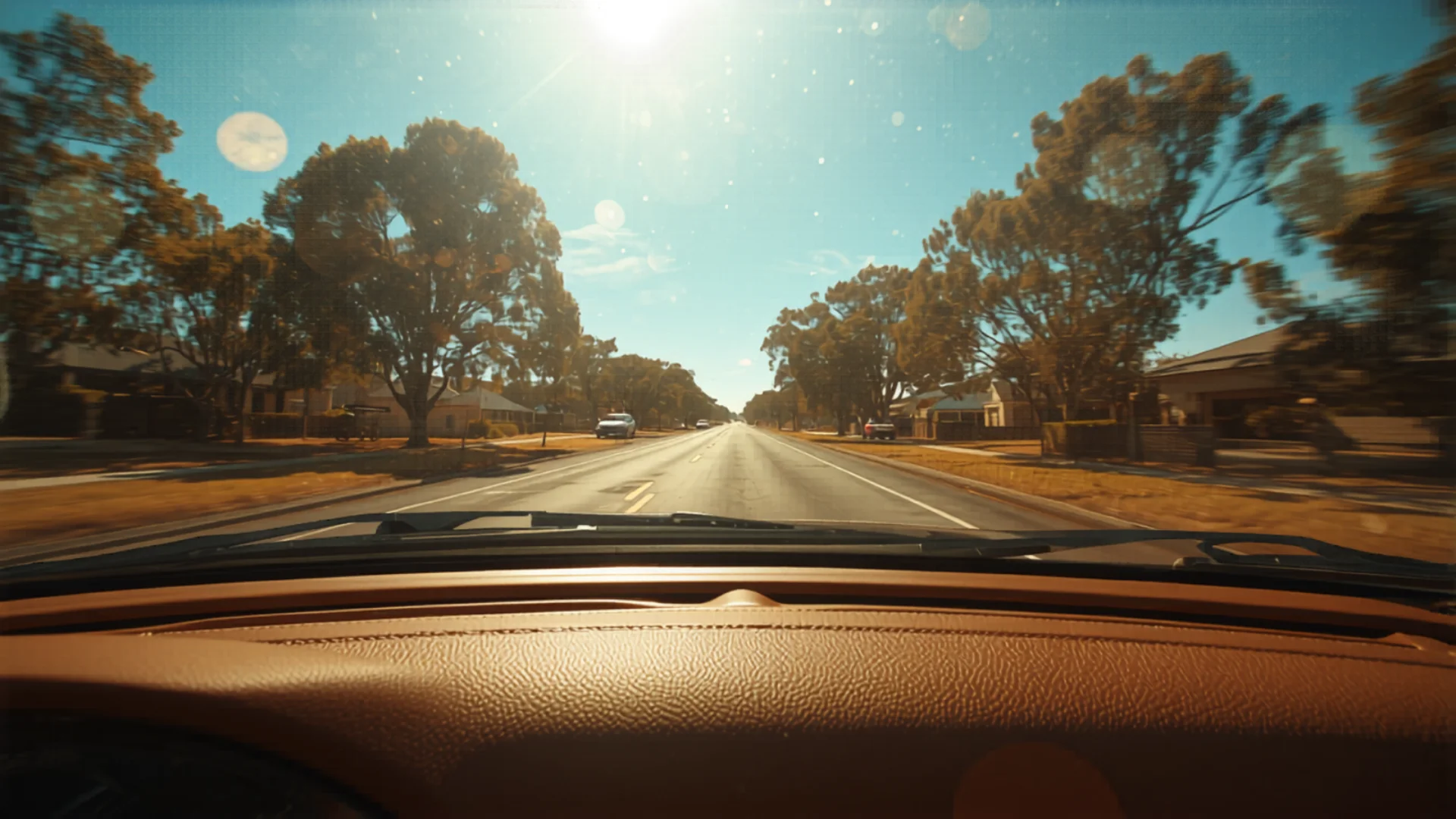
A dash cam is one of those purchases that feels slightly unnecessary, until the moment you need it. That moment might be a rear-end collision where the other driver claims you reversed into them. It might be a hit-and-run in a shopping centre car park while you were inside for 20 minutes. It might be a road rage incident where the other driver gets out of their vehicle. In any of these situations, dash cam footage is the difference between your word against theirs and clear video evidence.
Dash cam footage can support an insurance claim. It does not guarantee you will win a dispute, but clear footage can strengthen your position and help protect you from false accusations.
The good news: you do not need a premium camera to get reliable, clear footage. Here is how to choose the right one for your situation.
Why Every New Car Owner Needs a Dash Cam
Let us be specific about the scenarios where a dash cam protects you, because "you might need footage someday" is vague. Here are the concrete situations Australian drivers encounter:
Rear-end collisions. The most common type of accident. Even when it is clearly not your fault, the other driver sometimes claims you braked suddenly or were driving erratically. A dash cam shows your speed, following distance, and driving behaviour in the seconds before impact.
Intersection accidents. "I had a green light" disputes are incredibly common. Dash cam footage with a timestamp shows exactly what colour the light was when you entered the intersection.
Hit-and-run incidents. A camera with parking mode records in the car park while you are away. If someone hits your car and drives off, you have their number plate.
Fraudulent insurance claims. Staged accidents, where someone deliberately causes a collision to make an insurance claim, do happen, and dash cam footage can help expose them.
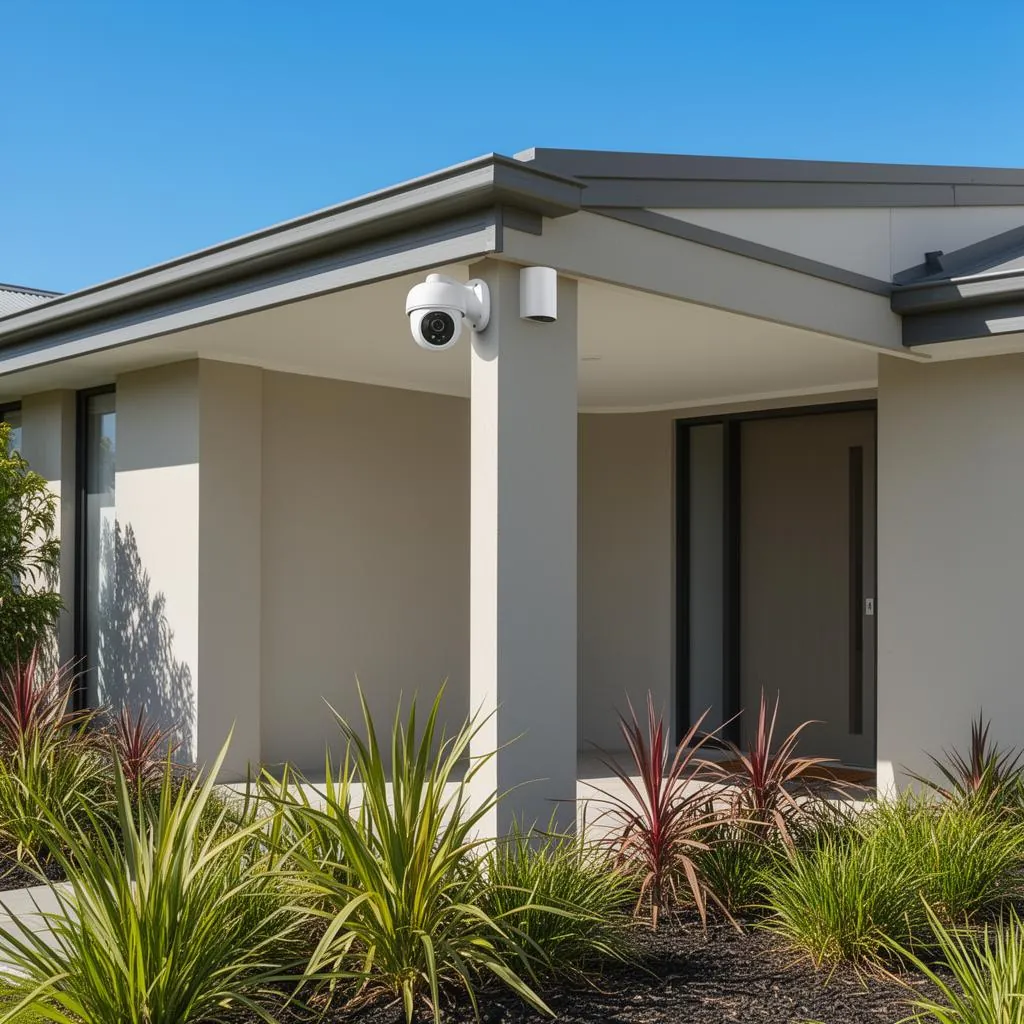
Theft and vandalism. A dash cam records the attempt, while a steering wheel lock is what stops the drive-away. With parking mode enabled, your dash cam records any activity around your parked car overnight, which is useful alongside a home security camera covering the driveway from the house side.
Front Only vs Dual Channel vs 3-Channel
The most important purchasing decision before looking at specific models is whether you want a front-only camera, a dual-channel (front and rear), or a 3-channel system (front, interior, and rear, popular with rideshare drivers).
Front only covers the most common accident scenarios: collisions with cars in front, intersection disputes and pedestrian incidents. If you are on a budget and can only afford one camera, front only is the pragmatic choice.
Dual channel (front and rear) adds rear coverage, which is critical for rear end collisions (so you can show the car behind was following too closely), and for recording any incident behind your vehicle. If you regularly drive on highways or in heavy traffic, dual channel is worth the additional cost.
3-channel systems add an interior-facing camera, typically used by rideshare and taxi drivers to record passengers. Unless you are driving commercially, this is unnecessary for personal use.
Best Budget Dash Cams Under $200
The sub-$200 market is surprisingly competitive in Australia. You can get 2K resolution, reliable recording, and decent low-light performance without spending a fortune.
The VIOFO A119 V3 is our budget pick. VIOFO focuses on image quality and reliability rather than gimmicks. The A119 V3 records the front view at 2560 x 1600 on a 5MP Sony STARVIS sensor, which VIOFO says makes number plates easier to read, and its built in GPS writes speed and location into the footage. Its buffered parking mode keeps the seconds before an event, but it needs the separately sold hardwire kit. There is no rear camera and no WiFi, so it suits drivers who want forward facing evidence on a budget.
Best Mid Range Dash Cams
In the mid range, you are getting genuine front and rear recording, 4K front resolution, built in GPS and WiFi for transferring footage to your phone. This is where most Australian drivers get the best value.
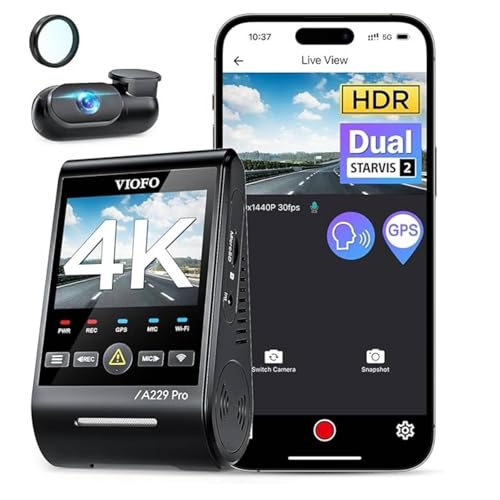
The VIOFO A229 Pro is our value pick. It records 4K at the front and 2K at the rear on dual Sony STARVIS 2 sensors, with HDR on both cameras to help with glare and night driving. Built in GPS logs your location and speed alongside the footage, which documents exactly where you were and how fast you were going at the moment of impact. 5GHz WiFi lets you view and download footage in the VIOFO app without removing the SD card.
Parking mode with a hardwire kit is particularly useful: the camera switches to motion triggered recording when you park.
Best Premium Dash Cams ($400+)
At $400 and above, you are paying for features such as radar parking modes and app connectivity, which matter most if your car is parked on the street.
The Thinkware U3000D is our top pick. It records 4K at the front on a Sony STARVIS 2 sensor and 2K at the rear, with 152 and 128 degree lenses to cut blind spots. Its standout feature is parking protection: front and rear radar detect movement around the parked car, and an energy saving mode helps it keep watching for longer.
The Thinkware Connected app gives access to impact notifications, geo fencing and a vehicle locator. Thinkware says these features need an internet connection in the car, such as a mobile hotspot, and are unavailable in radar parking mode, which switches network functions off to save power. Radar parking also needs the camera hardwired or on an OBD cable. Built in GPS includes a speed camera database, a 64GB card comes in the box, and it carries a 3 year warranty. It has only a small number of ratings so far, so treat it as a limited evidence pick and weigh it on features rather than buyer feedback.
Parking Mode: Do You Need It?
Parking mode keeps your dash cam recording while the vehicle is parked and unattended. It typically works in one of two ways: motion-triggered recording (the camera starts recording when it detects movement near the vehicle) or time-lapse recording (it records a compressed frame at regular intervals continuously).
Parking mode is genuinely useful if you regularly park in areas where your car could be hit: shopping centres, street parking, work car parks. It is less important if your car is always garaged at home and you park in secure, low-traffic areas during the day.
There is a catch: parking mode requires power while the car is off. Using the cigarette lighter socket will drain your battery within a few days. Proper parking mode requires either a hardwire kit (connecting to the fuse box with a voltage cutoff to protect your battery) or a capacitor/battery backup pack. Most cameras come with the camera only, and the hardwire kit is an extra purchase.
Australian Legal Considerations
Dash cams are legal in all Australian states and territories for personal use. There are a few considerations worth knowing:
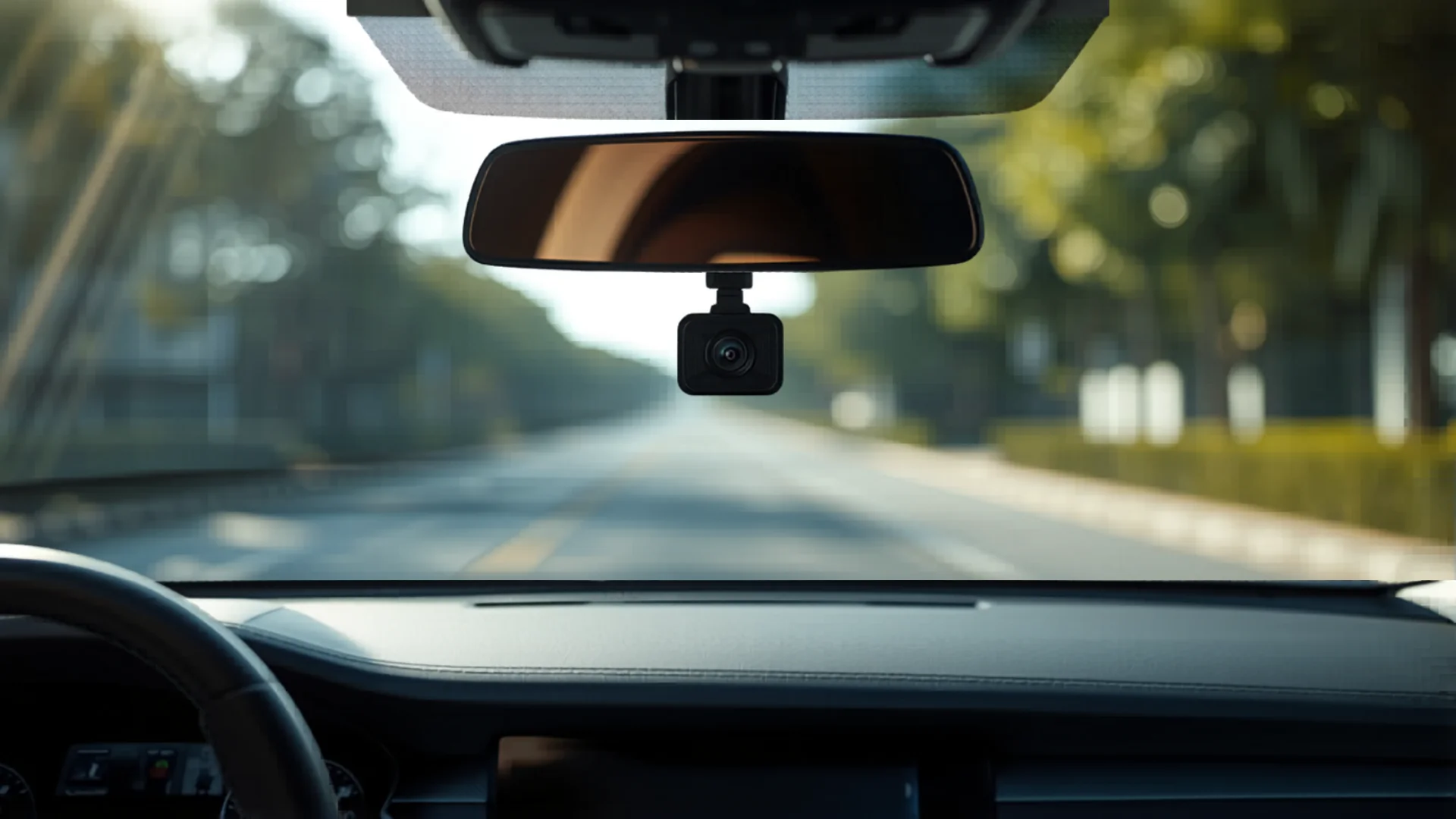
Obstruction of vision: All states prohibit mounting anything that obstructs the driver's view. Mount your dash cam behind the rearview mirror, positioned so it does not block your sightlines. This is where most Australian drivers mount their cameras. Behind the mirror is both the most discreet and the least obstructive position.
Recording passengers: Recording conversations inside your vehicle is a grey area in some states. In Queensland, for example, recording a private conversation without consent can be an offence under the Invasion of Privacy Act. Consult your state's laws if you intend to use an interior-facing camera.
Using footage in court: Dash cam footage is admissible as evidence in Australian courts and insurance disputes. The footage's usefulness depends on its quality. This is another argument for not buying the cheapest possible camera if you want footage that is actually legible when you need it.
Frequently Asked Questions
Do I need to tell my insurer I have a dash cam?
You are generally not required to notify your insurer about your dash cam, as it is not a modification that affects your vehicle's performance or value. It is still worth asking your insurer whether it offers anything for dash cam owners when you renew. If you have footage relevant to a claim, check your policy's claim conditions before deciding what to share.
How often do I need to replace the SD card?
Dash cams write and overwrite footage constantly, which is harder on SD cards than normal photo or video use. Look for a high endurance card marketed for dash cams, CCTV or continuous recording, such as Samsung Endurance or SanDisk High Endurance. These cards are marketed for constant overwriting, unlike a standard card, so they are worth the small extra cost.
What resolution do I actually need to capture number plates?
For capturing number plates at normal following distances (5 to 20 metres), 1080p Full HD is the minimum. 2K provides noticeably better legibility, especially at distances of 20 or more metres or in low light. 4K gives you the ability to crop and enlarge footage significantly without losing legibility, useful if the incident involves a vehicle that was further away. 1080p is acceptable on a tight budget; 2K is the sweet spot for most drivers.
A dash cam is part of the broader new-car setup that often coincides with a new home. If you are still ticking off settlement-week tasks, our moving checklist and new home checklist cover the rest of the admin layer: utility connections, address changes with insurers, and the sequence for getting everything live in the first month.
Found this helpful?
Check out more guides for new homeowners.