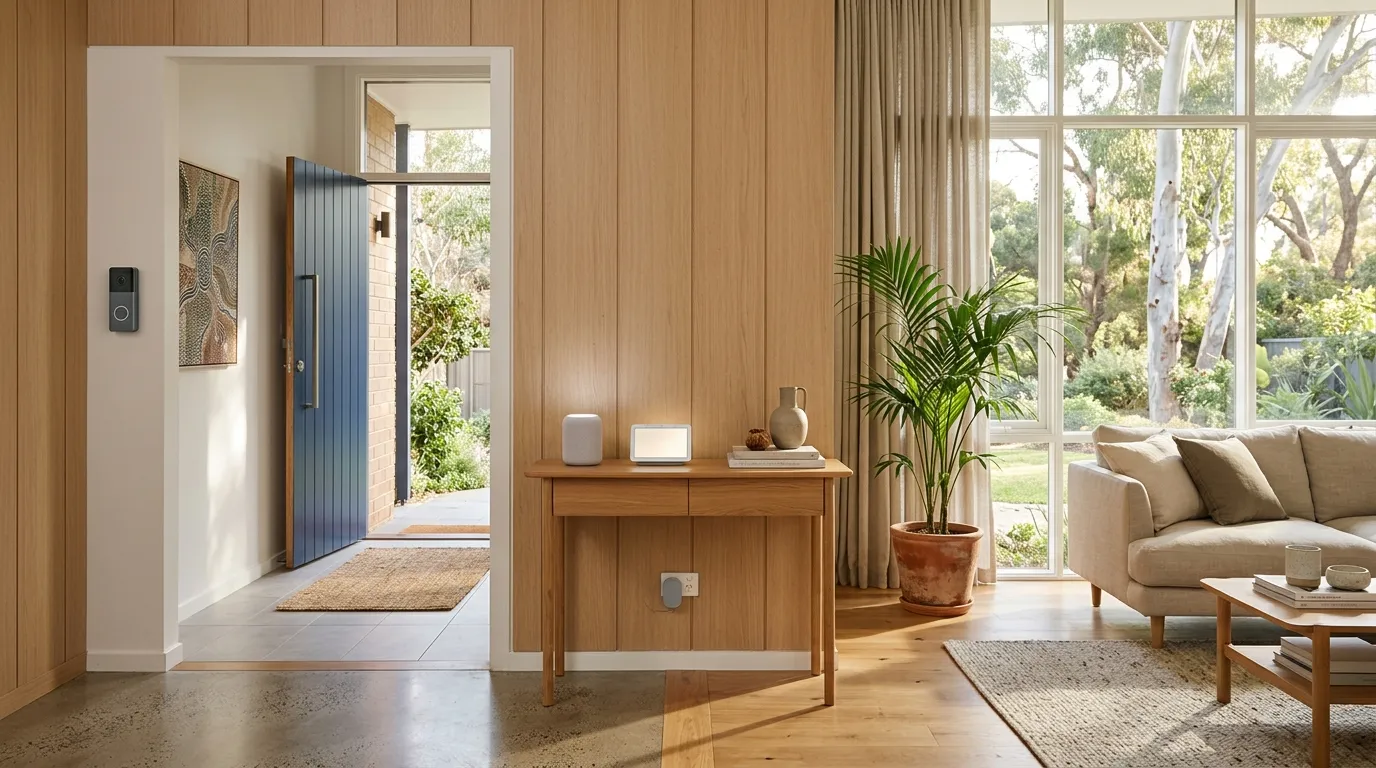
You are out at work and your phone buzzes: "Motion detected at your front door." You pull up the live feed and see the delivery driver dropping off a package. You tap a button and say "Just leave it by the door, thanks" through your doorbell camera, from 30 kilometres away.
That is the everyday reality of a doorbell camera, and it is one of the best purchases you can make for a new home. The best doorbell camera in Australia for most homes is the Eufy Video Doorbell Dual at about $299 with no monthly fee, against $275 over five years for a Ring subscription and $500 for Google Nest. It deters package thieves (the mere presence of a visible camera reduces theft dramatically), it lets you check who is at the door without getting up, and it records evidence if anything does go wrong. For $100 to $300, you get 24/7 monitoring of your front door, the most common entry point for both visitors and burglars. Doorbell cameras sit alongside a smart lock and smoke alarm in the entry-tier smart-home stack, the three devices most first-home buyers install in week one.
But there is a catch that most people do not discover until after they have bought one: some doorbell cameras charge you a monthly subscription to access your own recordings. Ring, the most popular brand, charges $5 per month for cloud video storage. That is $60 per year, or $300 over 5 years, on top of the purchase price. Other brands like Eufy and TP-Link Tapo store video locally for free, forever. Local-storage doorbells integrate with the same hub as the broader smart home devices guide, useful if you are already running cameras, locks and sensors through a single app.
Doorbell camera, video doorbell and front door camera all mean the same device in Australia, and this guide uses them interchangeably. This guide compares the best video doorbells available in Australia in 2026, with a focus on total cost of ownership, not just the sticker price.
Why Every New Homeowner Needs a Doorbell Camera
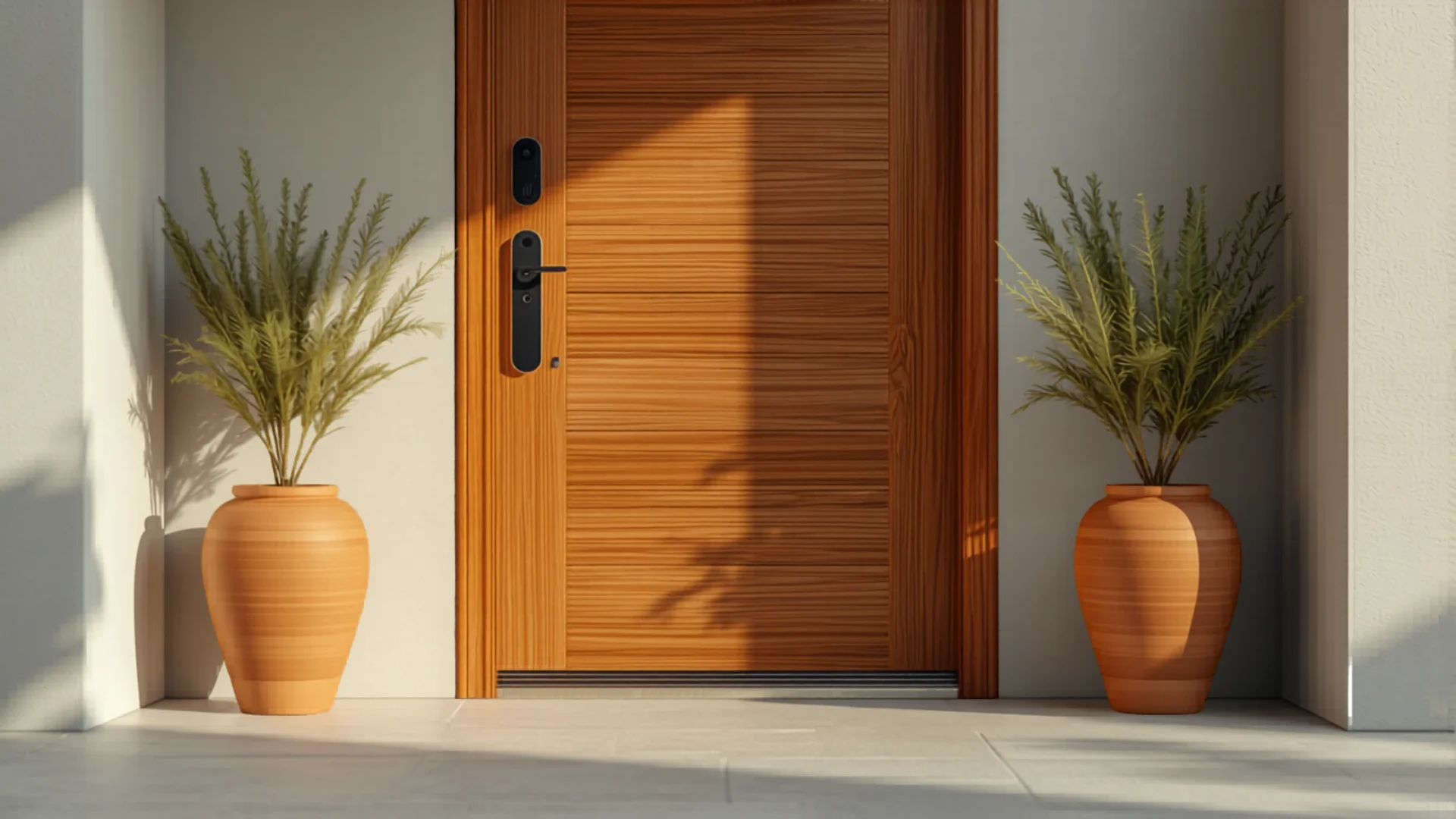
A doorbell camera (also called a video doorbell) is not about paranoia. It is about practical convenience and basic security. Here is what it actually does in daily life:
- Package delivery management. See when packages arrive, tell delivery drivers where to leave them, and have proof of delivery if anything goes missing. With the explosion of online shopping, this alone justifies the purchase.
- Deter porch pirates. Australia Post reported a significant increase in package theft in recent years. A visible doorbell camera is one of the most effective deterrents, and it pairs with a door and window sensor on the windows and back door, thieves do not want to be recorded.
- Know who is at the door before answering. Unexpected door knockers, salespeople, or strangers: you can see and speak to them without opening the door, even if you are in your pyjamas or not home.
- Security evidence. If someone does try to break in, vandalise your property, or steal a package, you have high-definition video evidence with timestamps that you can provide to police. This dramatically increases the chances of identifying the offender. A doorbell camera covers the front door only, so a security camera is what covers the rest of the block.
- Check on your home remotely. Travelling? Working late? Check your front door live from anywhere in the world via your phone.
- Monitor kids arriving home. Get a notification when your children arrive home from school, and see that they actually went inside rather than straight to a friend's house.
For a device that costs $100 to $300, the utility you get is exceptional. It is one of the highest-value smart home purchases you can make. For more security options, check our complete security camera guide. A doorbell only ever watches the front door, so pair it with door and window sensors if you also want to know when the back door or a bedroom window opens.
Subscription vs No Subscription: The Hidden Cost
This is the single most important thing to understand before buying a doorbell camera, and it is the detail that most comparison sites gloss over.
Subscription-based cameras (Ring, Google Nest)
Ring stores video in the cloud, on Amazon's servers. Without a Ring Protect subscription ($5/month or $55/year for one camera), you get live view and real-time alerts but no video recording. That means if you miss a live alert, the footage is gone. To record and review video, you need the subscription.
Google Nest Doorbell gives you free 3-hour event history (clips from the last 3 hours only). For 30-day history and 24/7 continuous recording, you need Google Nest Aware at $10/month or $100/year.
No-subscription cameras (Eufy, TP-Link Tapo, Reolink)
Eufy stores all video locally, either on the doorbell itself (16GB internal storage) or on a Eufy HomeBase if you have one. No cloud, no subscription, no monthly fees. Your video is stored on your property and accessible from the Eufy app anytime.
TP-Link Tapo stores video on a microSD card (up to 512GB) inserted in the camera. No subscription. You can also set up cloud storage with Tapo Care for $4/month, but it is entirely optional. The camera works perfectly without it.
Reolink stores on a microSD card or a Reolink NVR (network video recorder). No subscription for local storage.
The 5-year cost comparison
| Camera | Purchase price | 5-year subscription | Total 5-year cost |
|---|
| TP-Link Tapo | $129 | $0 | $129 |
| Eufy Doorbell Dual | $299 | $0 | $299 |
| Ring Doorbell 4 | $299 | $275 | $574 |
| Google Nest Doorbell | $329 | $500 | $829 |
The difference is stark. A Ring doorbell costs almost double a Eufy over 5 years when you factor in the subscription. A Google Nest costs nearly three times a TP-Link Tapo. For most homeowners, a no-subscription camera offers better value. You get the same core functionality (video recording, alerts, two-way audio) without the ongoing cost.
Best Doorbell Cameras With No Subscription
If you want to buy once and never pay again, these are the best options:
TP-Link Tapo Doorbell Camera: about $129
The best budget option in the market. You get 2K resolution (sharper than Ring's 1080p), night vision, two-way audio, motion detection with zones, and local storage via a microSD card, all for $129 with zero monthly fees. The Tapo app is clean and responsive, and you can set up motion zones so you do not get alerts every time a car drives past. The main limitation is that it is battery-powered and needs recharging every 2 to 4 months depending on traffic at your door. For the price, it is exceptional.
Eufy Video Doorbell Dual: about $299
This is our top recommendation for most homeowners. The "Dual" means it has two cameras, one at eye level for faces and one angled downward for packages. This solves the biggest complaint about standard doorbells: you can see who is there AND see if they left a package at your feet. Resolution is 2K, local storage is built in (no SD card needed), human-only AI detection means fewer false alerts from pets and cars, and there is zero subscription cost. It requires a Eufy HomeBase 2 (included in most bundles) for local storage and extended range.
Reolink Video Doorbell Wi-Fi: about $150
Reolink is a strong contender for people who want a wired doorbell camera (powered by existing doorbell wiring) with no subscription. It records to a microSD card and offers 2K+ resolution, person/vehicle detection, and a wide-angle lens. The Reolink app is functional if not as polished as Eufy's. If you have existing doorbell wiring and want a reliable, no-subscription option, Reolink is a solid choice.
Best Doorbell Cameras With Subscription
Subscription-based cameras are not inherently bad. They offer some features that local-storage cameras do not, like cloud backup (your footage is safe even if the camera is stolen) and more advanced AI processing. If you do not mind the monthly cost, these are the best options:
Ring Video Doorbell 4: about $299 + $5/month
Ring is the most popular doorbell camera brand in the world, and for good reason. The Video Doorbell 4 includes Pre-Roll Video, a feature that captures 4 seconds of black-and-white footage before the motion event is triggered, so you see the full context of what happened, not just the moment the camera woke up. This is a genuine advantage over most competitors. You also get seamless integration with Alexa (announce visitors on Echo devices, view the camera on Echo Show), a massive accessory ecosystem (solar panels, corner mounts, wedge kits), and Ring's Neighbourhood feature where users share security alerts in their area.
The downside: without the $5/month Ring Protect plan, you do not get video recording. You can see the live feed and get alerts, but you cannot review footage after the fact. For most people, the subscription is a must, which makes the total 5-year cost $574.
Google Nest Doorbell (2nd Gen): about $329 + $10/month for full features
The Nest Doorbell offers best-in-class AI detection, it can tell the difference between people, animals, vehicles, and packages, and send you specific alerts for each. The 3-hour free event history is useful for catching recent events, but if you want 30-day history and 24/7 continuous recording, the Nest Aware subscription is $10/month. Integration with Google Home is seamless, and the camera quality is excellent. However, at $829 over 5 years, it is the most expensive option on this list.
Battery vs Wired Doorbell Cameras
This is the other big decision: do you want a battery-powered camera (easy to install, needs periodic recharging) or a wired camera (never runs out, but needs existing doorbell wiring or an electrician to install)?
Battery-powered
- Installation: 10 minutes with a screwdriver. No wiring needed. Mount the bracket, attach the camera, connect to Wi-Fi.
- Recharging: Every 2 to 6 months depending on traffic and settings. Some models support solar panel charging ($50 to $80 extra) to extend this indefinitely.
- Limitations: Cannot record 24/7 continuously (only records when motion is detected, to preserve battery). Live view is slightly delayed (1 to 3 seconds) because the camera needs to "wake up."
- Best for: Renters, homes without existing doorbell wiring, anyone who wants a quick DIY install.
Wired
- Installation: Requires existing doorbell wiring (8 to 24V transformer). If you do not have existing wiring, an electrician can install one for $100 to $200.
- Power: Always on. Never needs recharging.
- Advantages: Faster response time (no wake-up delay), can support 24/7 continuous recording on some models, rings your existing indoor doorbell chime.
- Best for: Permanent homes with existing doorbell wiring, anyone who does not want to think about recharging.
Our recommendation: start with battery-powered. It takes 10 minutes to install, there is no risk of messing up wiring, and the recharging frequency (every 3 to 6 months for most users) is genuinely not a hassle. If you find yourself wanting 24/7 recording or faster response times, upgrade to wired later, or add a solar panel to your battery camera for continuous charging.
How to Install a Doorbell Camera
One of the best things about modern doorbell cameras is how easy they are to install, especially battery-powered models. Here is what to expect:
Battery-powered installation (10 minutes)
- Download the manufacturer's app (Eufy, Tapo, Ring, etc.) and create an account.
- Charge the camera fully using the included USB cable (takes 4 to 6 hours for a full charge).
- Use the included mounting bracket as a template to mark screw holes on your wall or door frame.
- Drill pilot holes (the camera comes with the right drill bit or wall plugs for brick, timber, and render).
- Screw the mounting bracket to the wall.
- Click the camera onto the bracket.
- Follow the app prompts to connect to your Wi-Fi and configure motion zones, alerts, and recording settings.
Total time: 10 to 15 minutes. Tools needed: a drill, a Phillips screwdriver, and a phone. That is it.
Wired installation (30 minutes if you have existing wiring)
- Turn off the power to your existing doorbell at the circuit breaker.
- Remove your existing doorbell and disconnect the wires.
- Connect the doorbell camera's wires to the existing low-voltage wires (they are safe to touch, typically 8 to 24V).
- Mount the camera using the included bracket and screws.
- Turn the power back on.
- Follow the app prompts to complete setup.
If you do not have existing doorbell wiring, an electrician can run a cable and install a transformer for $100 to $200. This is a straightforward job that most sparks can do in under an hour.
Frequently Asked Questions
What is the best video doorbell in Australia?
Video doorbell and doorbell camera describe the same device. Our top pick is the Eufy Video Doorbell Dual (around 299 dollars), which records locally with no subscription and adds a second downward camera that catches parcels left at your feet, not just visitors at head height. For the lowest price the Reolink Video Doorbell Wi-Fi (around 150 dollars) is the value option, and the Ring Video Doorbell 4 (around 299 dollars plus 5 dollars a month) suits anyone already in the Alexa ecosystem who does not mind a subscription. Full picks and trade-offs are ranked above.
Do doorbell cameras work at night?
Yes. All modern doorbell cameras include infrared night vision, which provides a clear black-and-white image in complete darkness. Some premium models (Eufy, Ring Pro) also have colour night vision that uses built-in spotlights to illuminate the area in full colour. Night vision typically activates automatically when ambient light drops below a certain level. The range is usually 5 to 10 metres, more than enough to cover your front porch and footpath.
Can I install a doorbell camera if I'm renting?
Yes, battery-powered doorbell cameras can be installed with minimal impact. Some models use adhesive mounting strips instead of screws, leaving no marks at all. If you do need screws, the two small holes left by the mounting bracket can be easily filled when you move out. Most rental agreements allow minor modifications like this. To be safe, check with your landlord or property manager first. When you move, you simply take the camera with you, battery-powered models are completely portable.
Are doorbell cameras worth it for security?
Absolutely. Studies consistently show that visible security cameras are one of the most effective deterrents against burglary and package theft. The front door is the most common point of approach for both legitimate visitors and would-be criminals. A doorbell camera gives you 24/7 monitoring of this entry point, motion-triggered recording, and video evidence that can be provided to police if an incident occurs. Combined with motion-triggered alerts on your phone, you are notified immediately if anyone approaches your door, whether you are home, at work, or on holiday.
Which is better, Eufy or Ring?
Eufy on total cost, Ring on ecosystem. Both sit at about $299 for their flagship doorbell, but Ring charges $5 a month for cloud video, which is $275 over five years, while Eufy stores locally for nothing. Over five years that is $574 against $299. Ring wins on the number of accessories, the chime range and Alexa integration, and its app is the more polished of the two. If you want to buy once and never pay again, Eufy is the answer.
Why are people moving away from Ring doorbells?
The subscription is the main reason. Without a plan a Ring doorbell shows you a live view and sends alerts, but it does not keep the recording, so the $5 a month is not really optional if you want video evidence. Over five years that is $275 on top of a $299 camera. Local-storage brands like Eufy, TP-Link Tapo and Reolink do the same job with a microSD card and no ongoing fee, which is why the no-subscription category has grown.
How much does a doorbell camera subscription cost in Australia?
Ring is $5 a month, which is $60 a year and $275 over five years. Google Nest is $10 a month, which is $500 over five years. TP-Link Tapo offers an optional Tapo Care plan at $4 a month that you can ignore entirely, and Eufy and Reolink charge nothing because the video lives on a microSD card in the camera. Add the subscription to the sticker price before you compare anything.
What is the best front door camera in Australia?
For a front door specifically, a video doorbell beats a general security camera because it gives you a doorbell button, a two-way intercom and a head-to-toe view of whoever is standing on the step. The Eufy Video Doorbell Dual at about $299 is our pick, with a second camera pointed at the ground so you can see a parcel left on the mat. If you also want coverage of the driveway and the back of the house, add a separate camera rather than trying to make the doorbell do it.
How do you charge a battery doorbell camera?
Every battery model on this page unclips from its mounting bracket, usually with a small pin or a release tab, and charges over USB-C in two to five hours. Expect to do it every two to four months depending on how much traffic your door gets. Two things shorten it sharply: a motion zone that catches passing cars, and cold weather. Narrow the motion zone to the path and the doorstep and you will roughly double the interval between charges.
What is the best doorbell camera for the money?
The TP-Link Tapo at about $129. It gives you 2K resolution, which is sharper than the 1080p on a Ring Video Doorbell 4 at about $299, plus night vision, two-way audio, motion zones and local microSD storage with no subscription. Over five years it costs $129 in total against $574 for the Ring. It is battery powered, so plan on recharging it every two to four months.
Doorbell cameras run on Wi-Fi at the front of the house, which is often the weakest signal point. Pair with a quality mesh Wi-Fi system if your router sits at the back.