Smart Home Buying Guides for Australian First Homes
Buying guides covering locks, cameras, lights and the WiFi that holds it all together, with subscription traps flagged guide by guide.

Start here
The three that matter first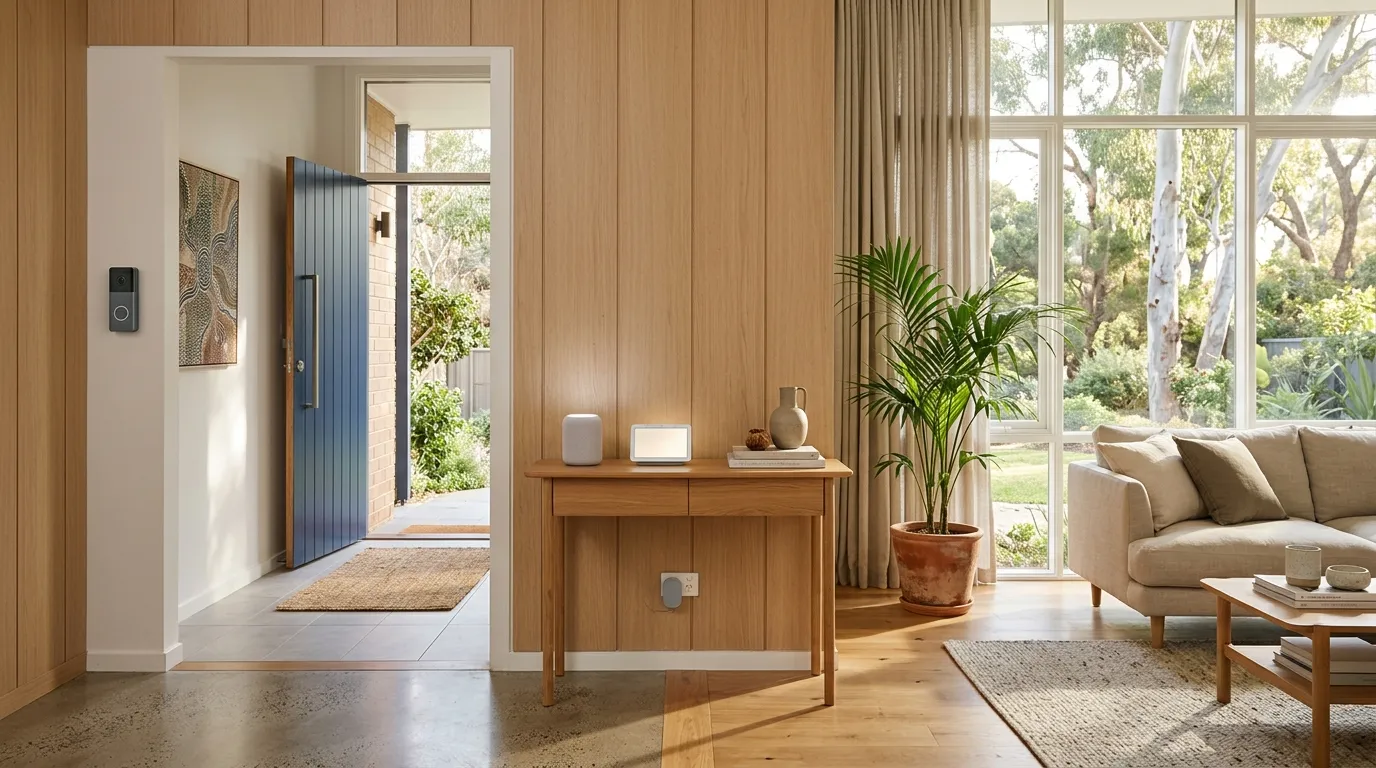
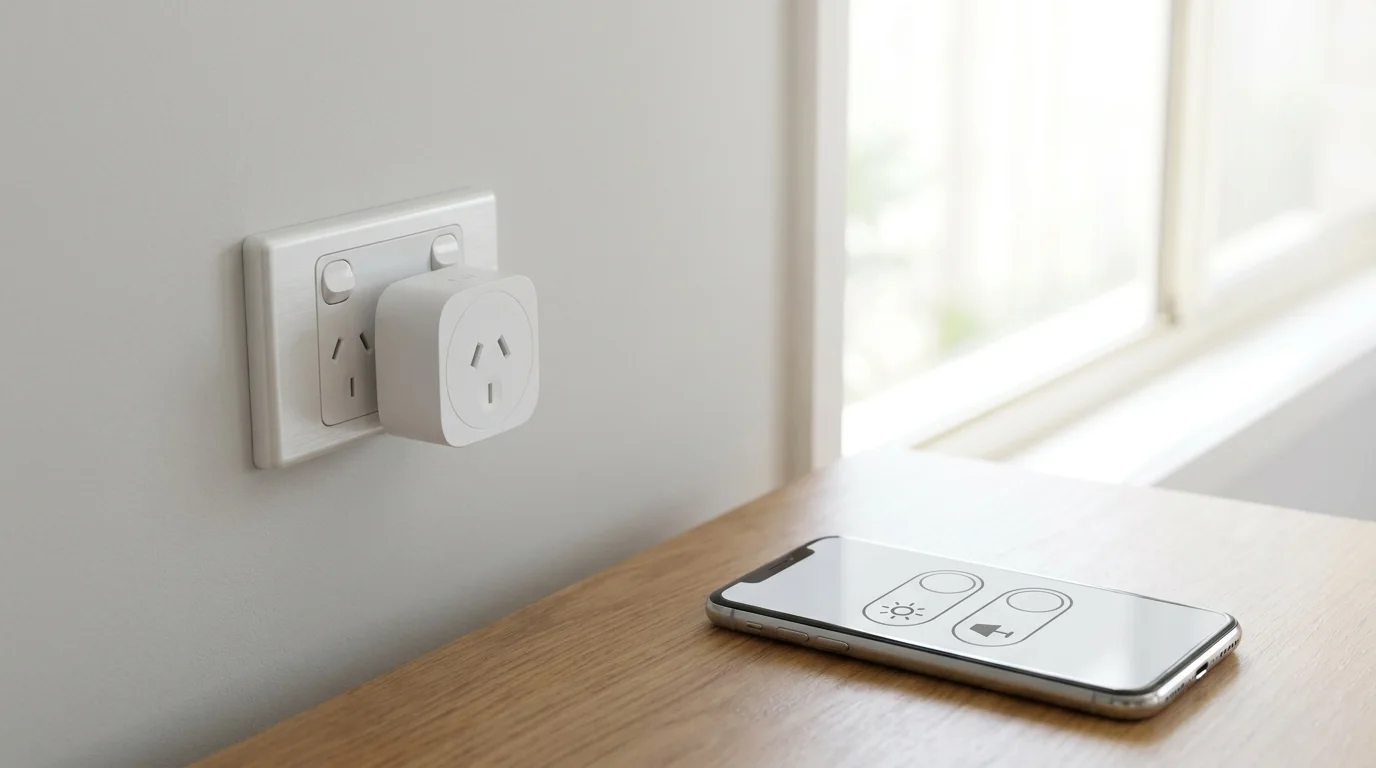
The map of the whole category and the order to buy in: an Echo Dot plus a few smart plugs is most of a starter kit.
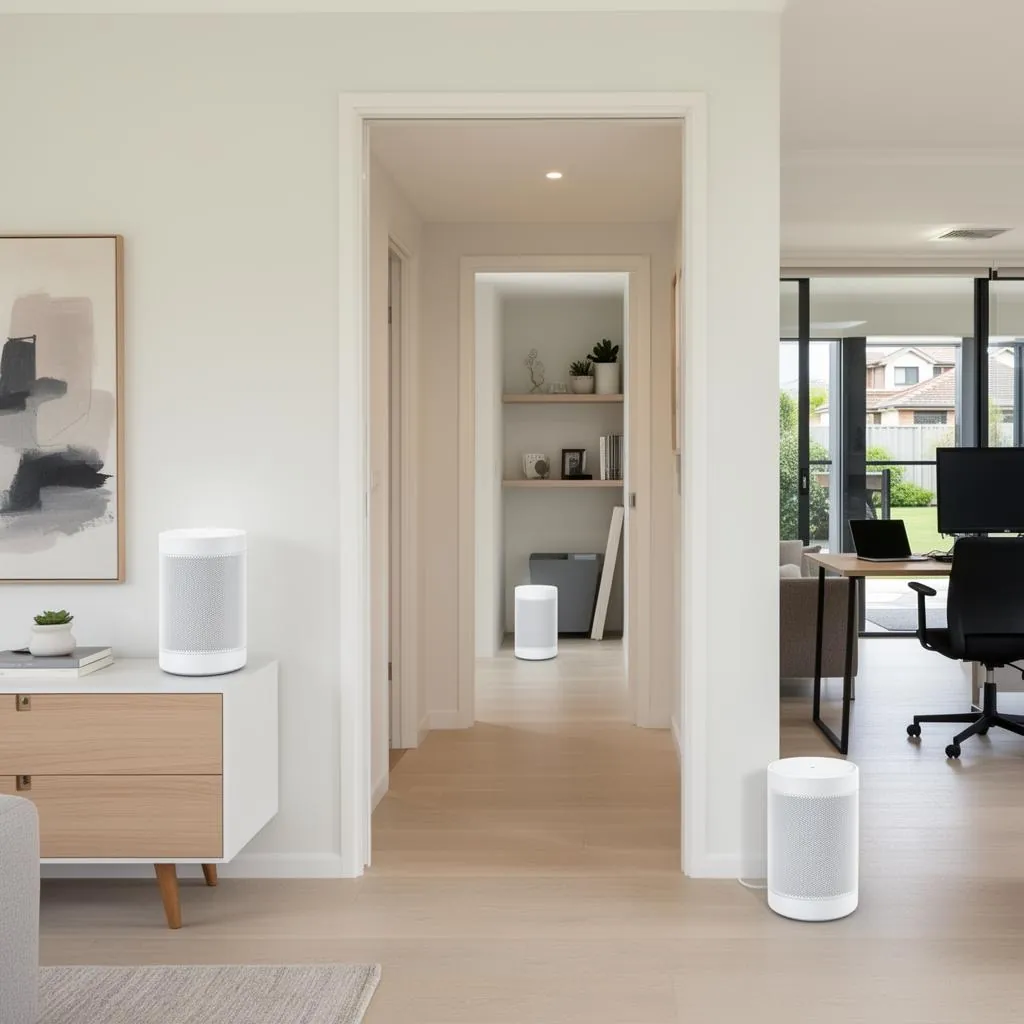
A TP-Link Deco X55 three pack fixes the dead spots that make every other device on this page look broken.
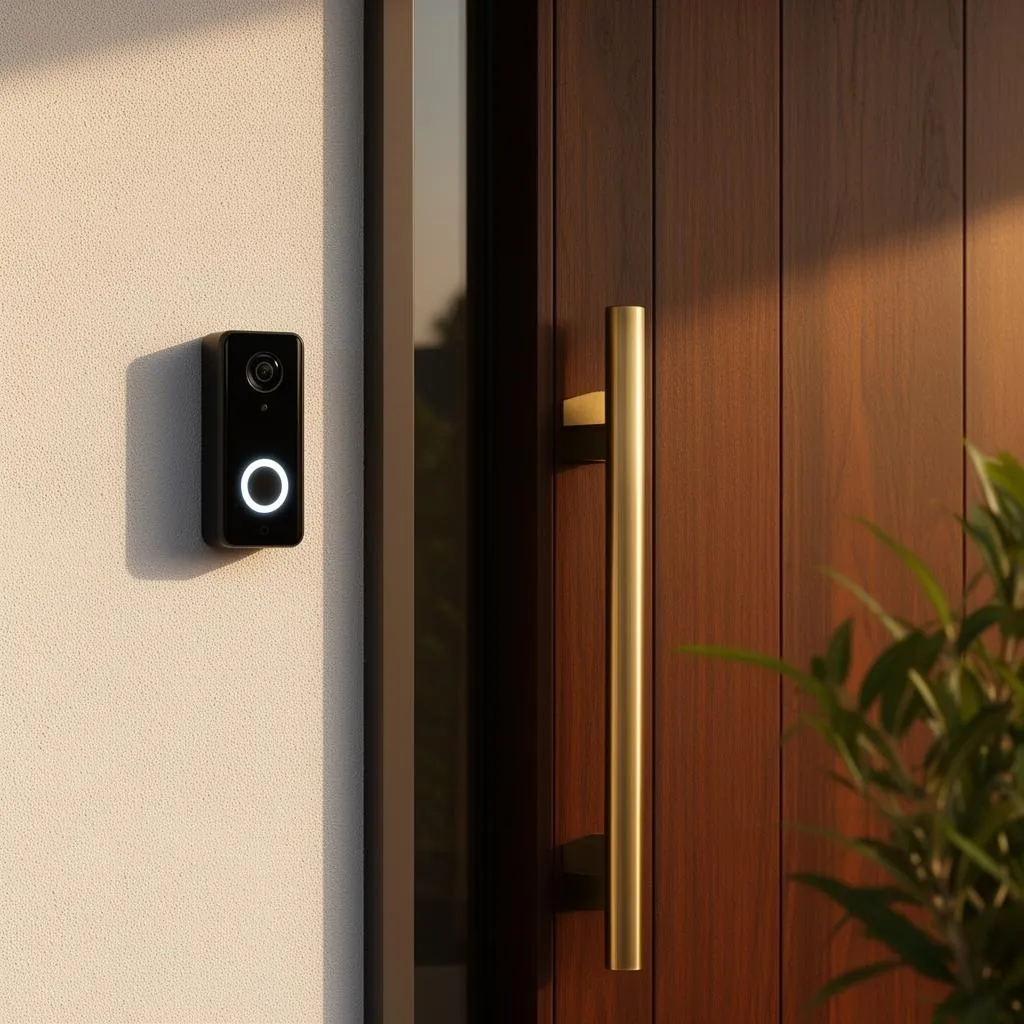
A big upgrade: a Tapo doorbell camera answers your front door from anywhere, with no monthly fee.
The first night in a new place comes with a quiet inventory question: how many copies of the front door key exist, and who has them? A smart lock gives you another way to manage access, which is why this category starts at the front door, then works outward to a Tapo doorbell camera and a Eufy SoloCam watching the driveway.
Inside: an Echo Dot to run the show, a pair of Mengshen door sensors, and an IR blaster that gives a dumb air con a phone app. Skip the all at once ecosystem shop. Fit the lock, live in the house a fortnight, and let the annoyances tell you what to automate next.
The plan and the pipes
Read the starter kit map first, then fix coverage. A WiFi extender patches one dead room; a TP-Link Deco M4 mesh three pack fixes the whole house.

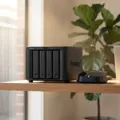 NAS Drive
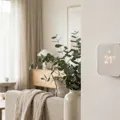 Smart ThermostatsThe best smart thermostat in Australia depends on your heating system, and we could not name one best buy. On 16 October 2026, four of the seven thermostats we reviewed on Amazon AU were Global Store imports and two were unavailable. The Inkbird ITC-308 WiFi, a plug in controller for heaters, shipped from Amazon.
 Mesh WiFi
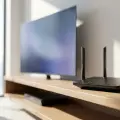 WiFi RouterThe TP-Link Archer AX55 Pro WiFi 6 Router is our first choice of the six standalone WiFi routers we compared on Amazon Australia, from an AX1800 WiFi 6 unit to a WiFi 7 Nighthawk and a tri band WiFi 6E gaming router, using what each Amazon AU listing states. Your WiFi standard, home size and device count decide the rest.
 WiFi Extender
The front door
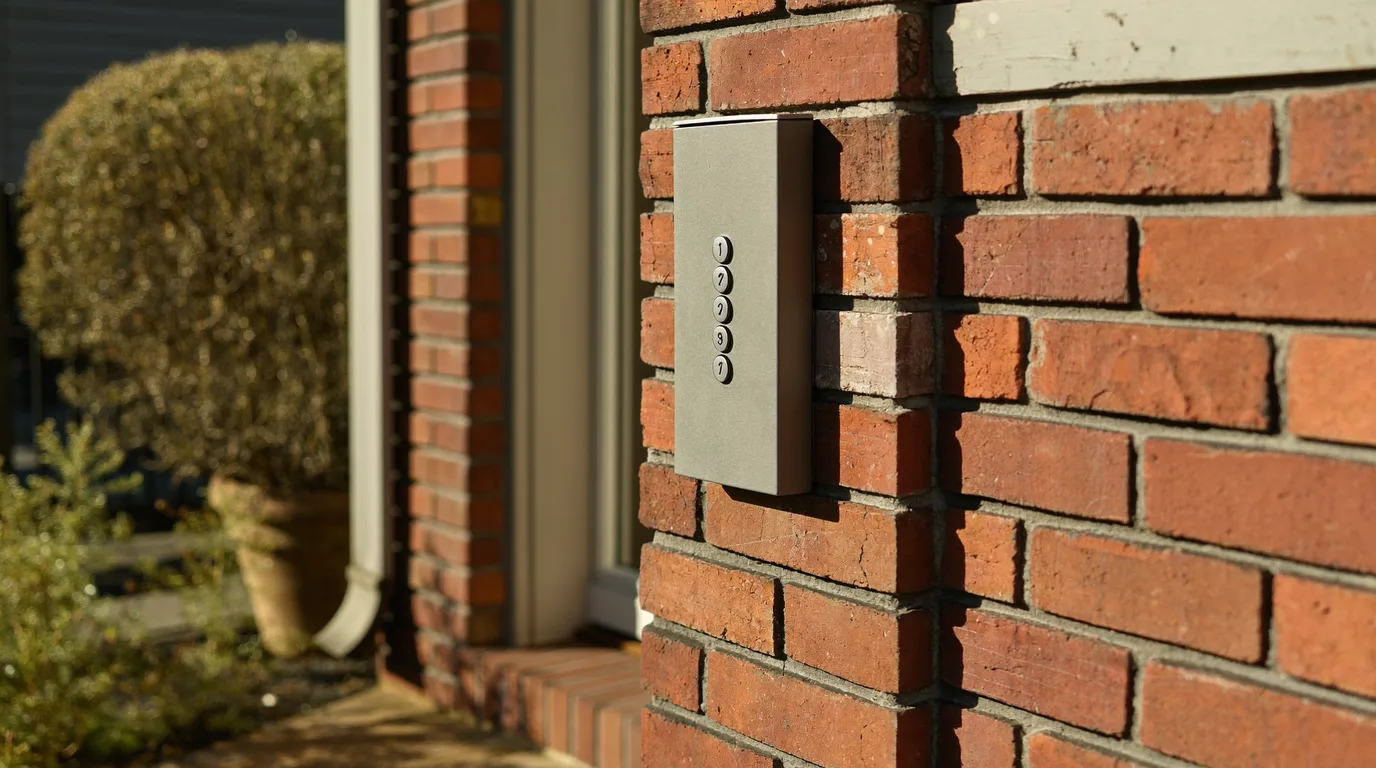
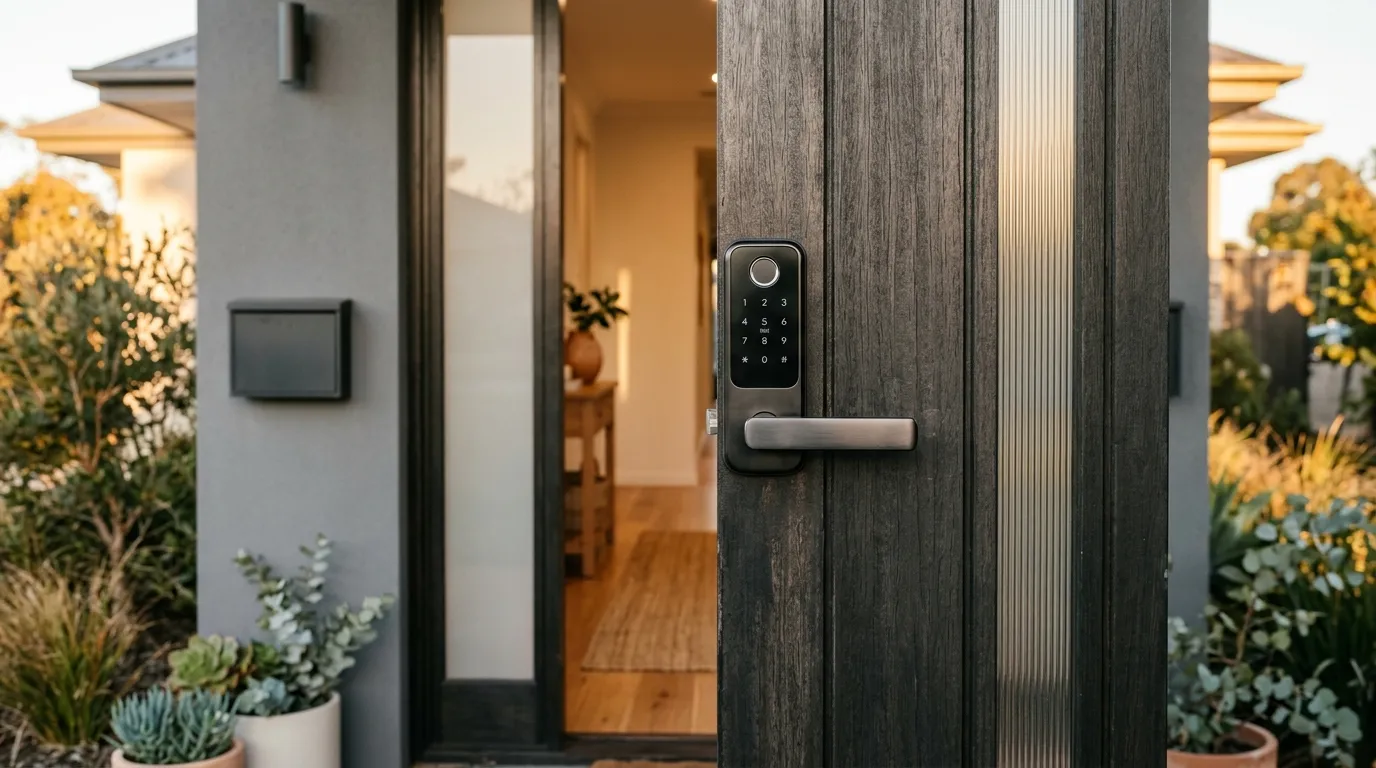
Locks from the Yale Keyless to the Schlage Encode, doorbells that work without a subscription, and a sensor pair that tells you the back door is open.
Eyes on the place
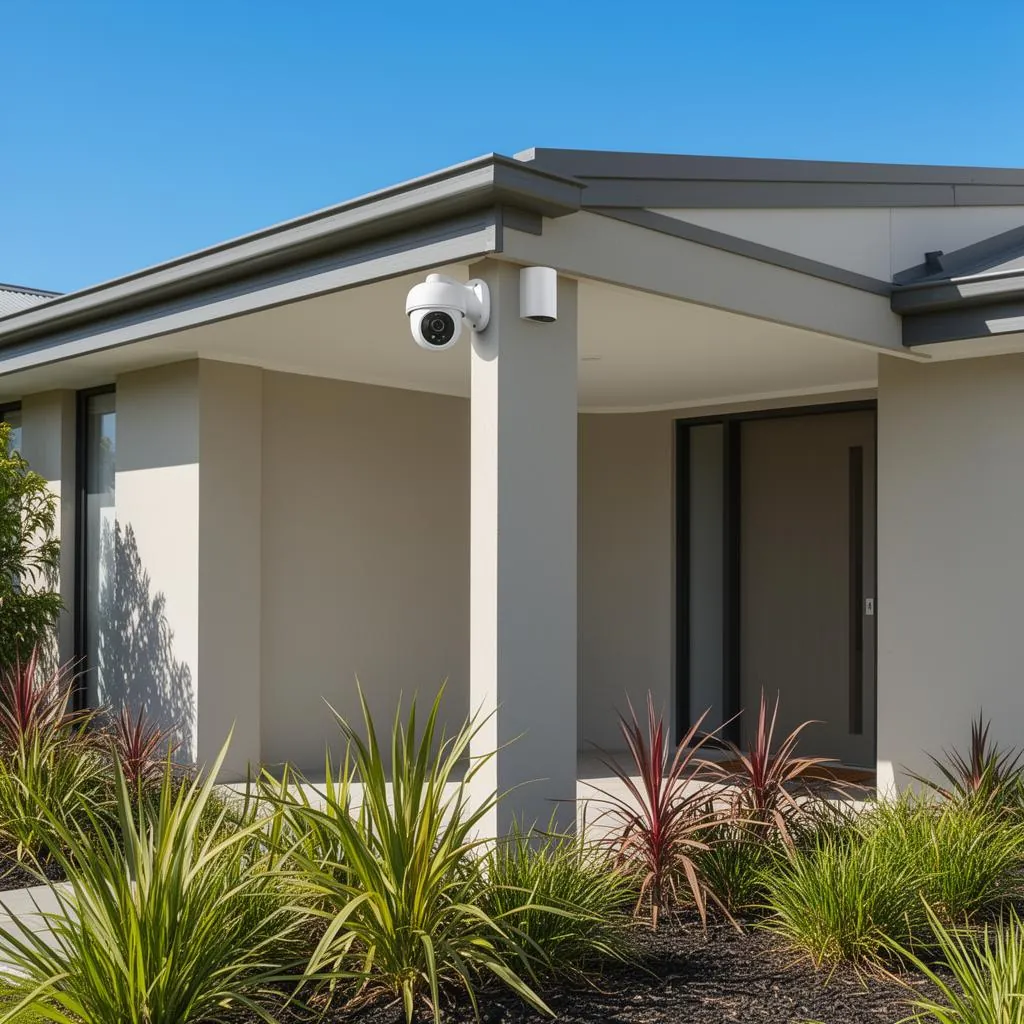
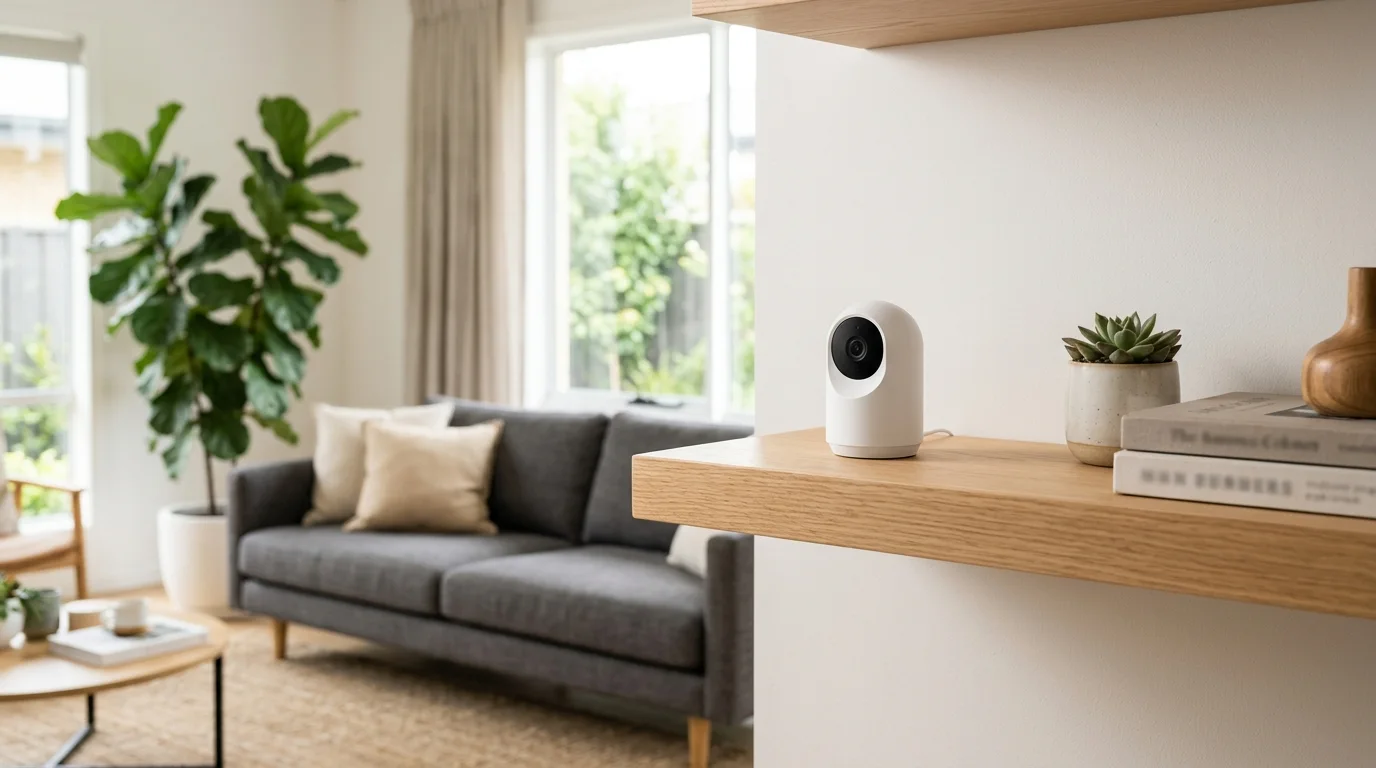
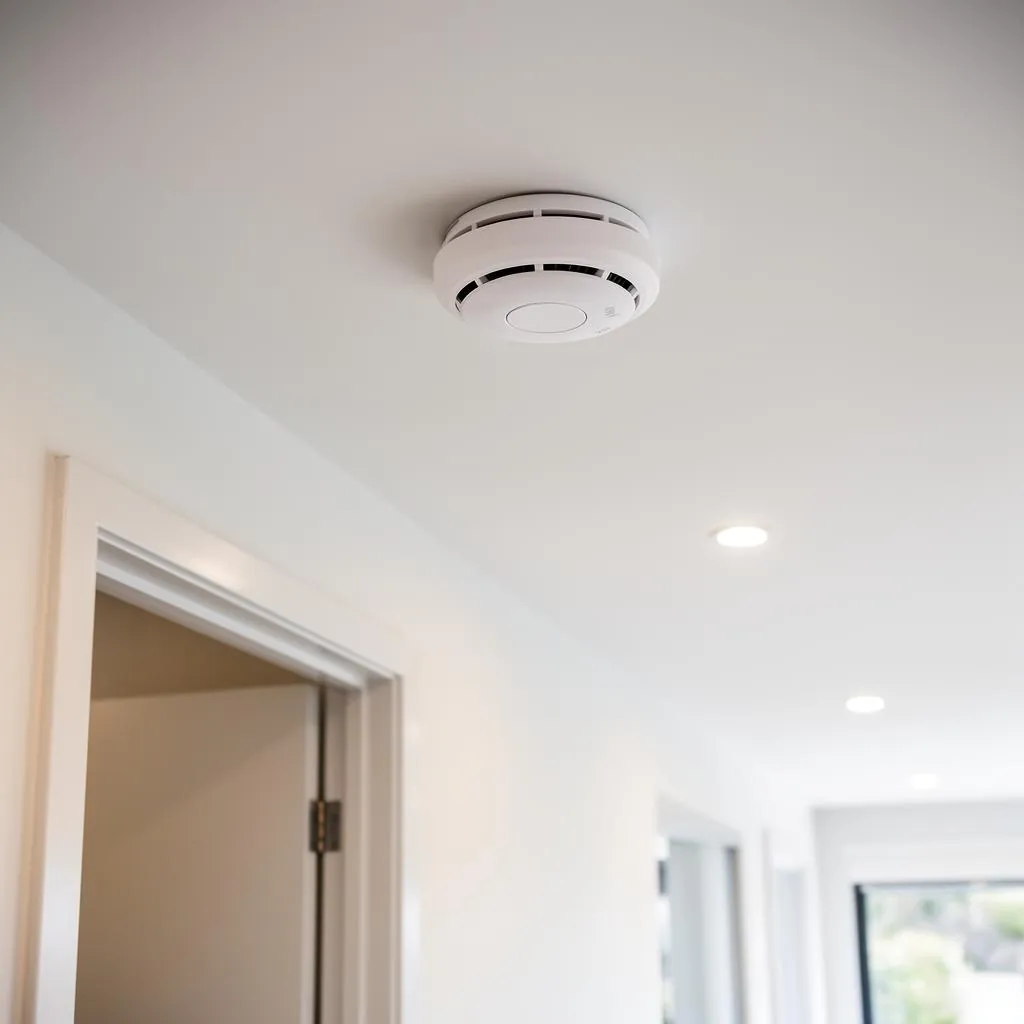
Cameras inside and out: indoor cameras, the solar Eufy SoloCam S220 with no subscription, and photoelectric smoke alarms to round out the safety net.
Lights, plugs and other cheap wins
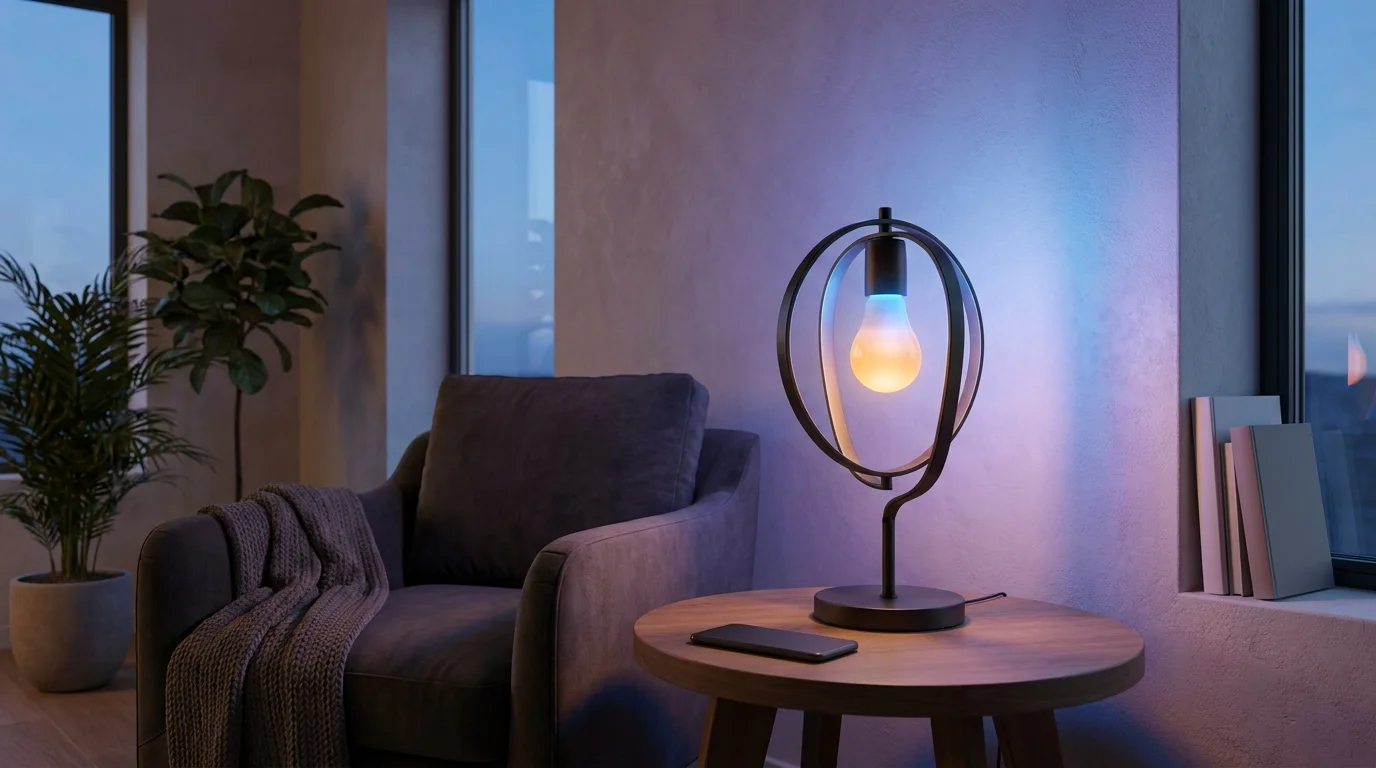
Start with smart plugs and colour bulbs. The light switch guide covers the one job here that needs a licensed sparky, and a LinknLink IR blaster puts a dumb old aircon on your phone.
 Smart Light SwitchesThe best smart light switch in Australia is the meross Matter Smart Light Switch, an in wall relay module that installs behind your existing switch and works with Matter hubs such as Echo, Google Nest or Apple TV. It needs a neutral wire. Check the approval each listing states, and use a licensed electrician for any hardwired switch.
 Smart IR BlasterAn infrared blaster is the cheapest smart-home upgrade there is: a small WiFi box that learns your existing remotes so your phone or voice assistant can run the air conditioner, TV, soundbar and fans. The killer use case in Australia is the aircon: switch it on from your phone before you get home in summer, schedule it, automate it. We compared ecosystems, IR versus RF coverage and honest owner ratings across five picks, from the LinknLink eRemote HA up to the SofaBaton X1S universal remote, with the Matter certified TP-Link Tapo H110 taking the top spot.
 Surge Protectors and Power Boards
Beyond the walls
The gadget drawer's outer suburbs: a UGREEN tracker card for the wallet, a Viofo dash cam, a power station for blackouts, plus noise cancelling headphones for the commute.
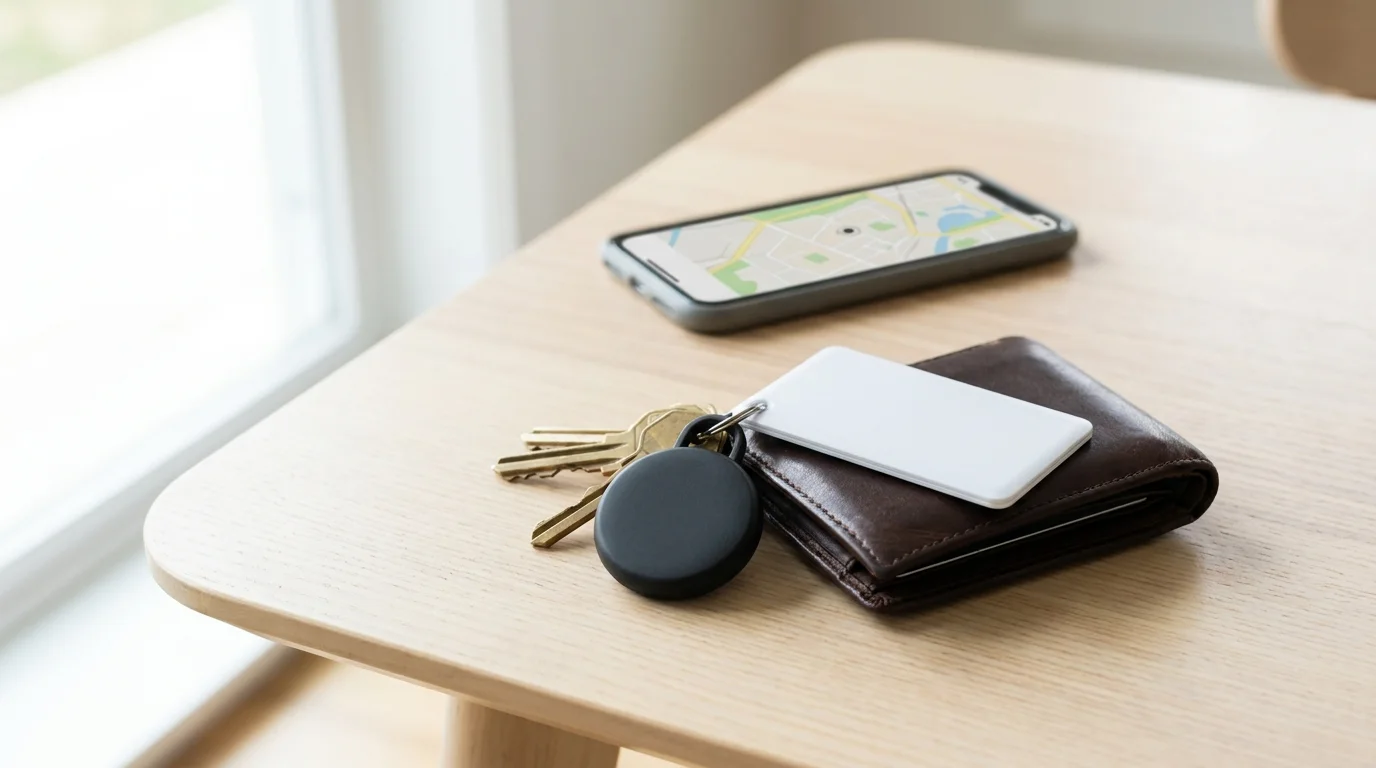
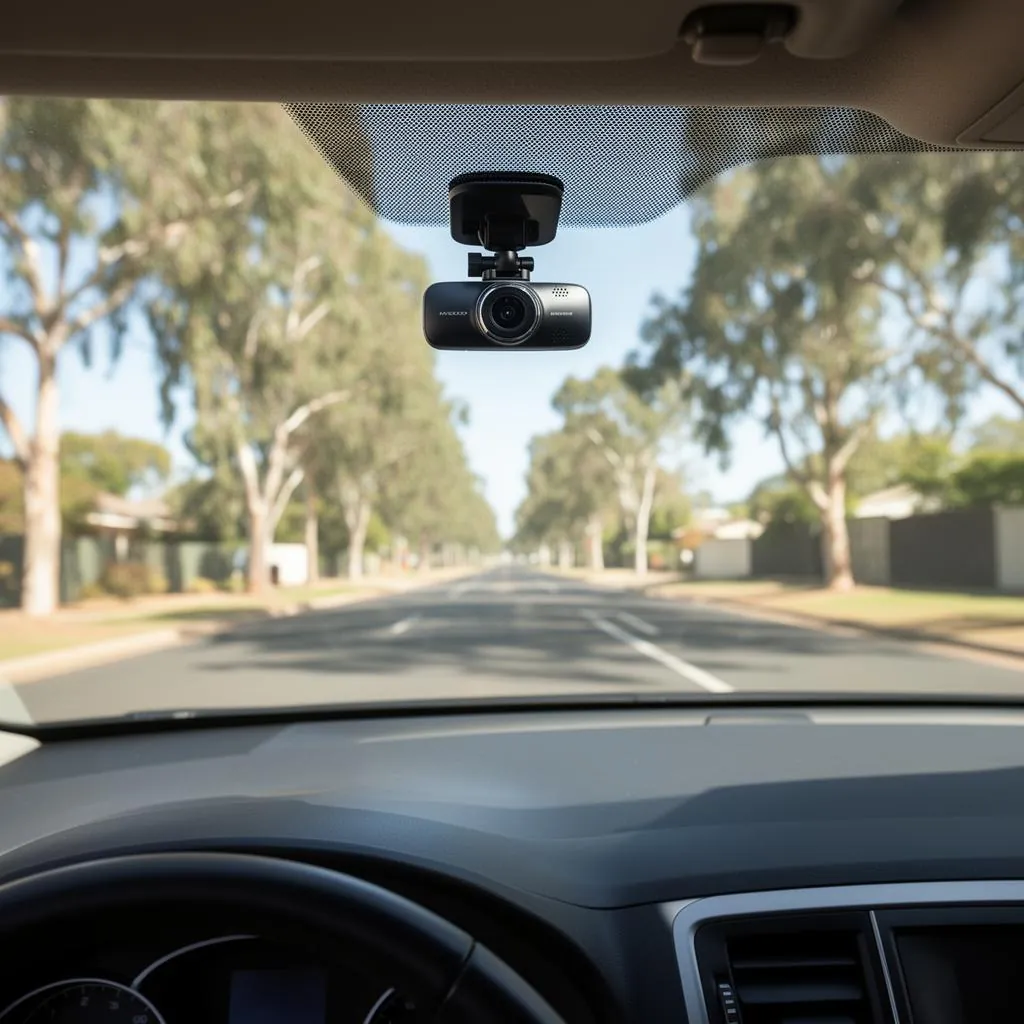
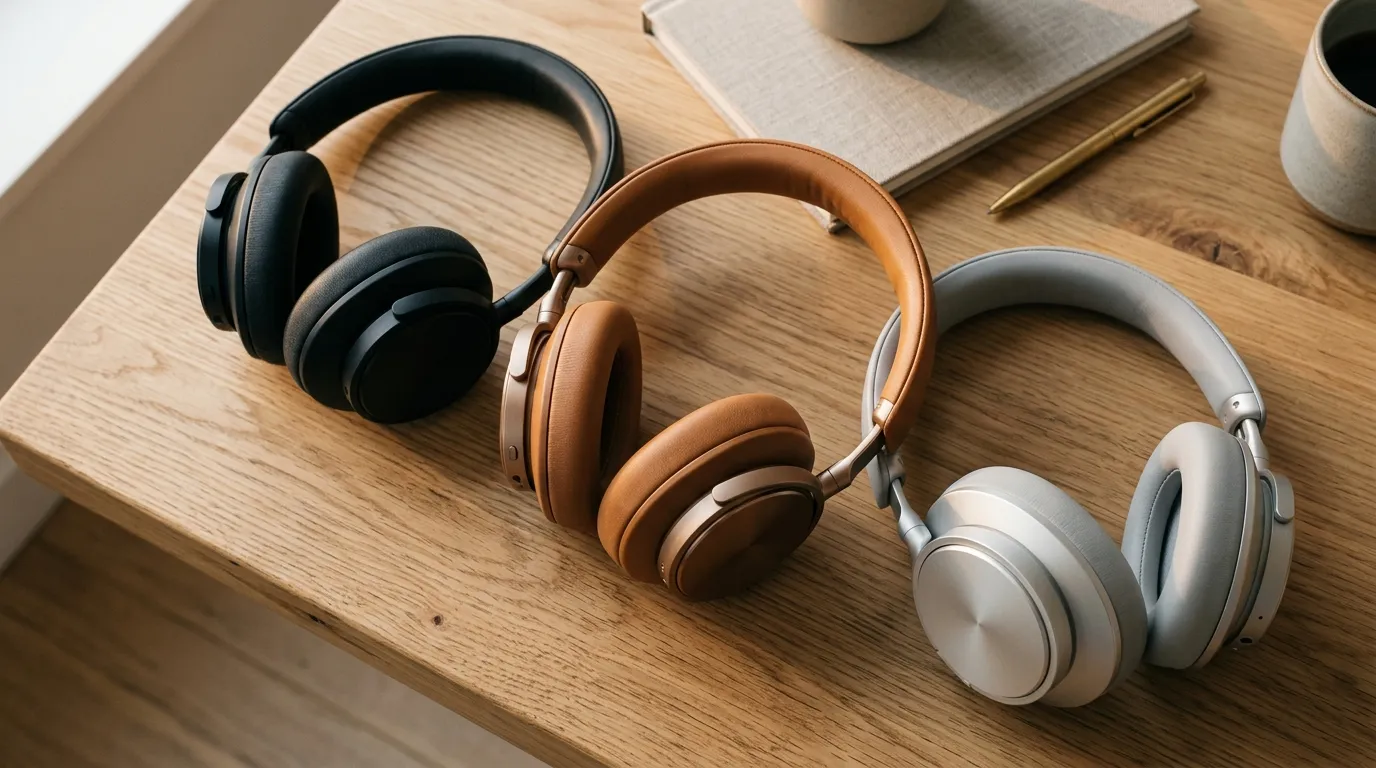
Set up every room in the right order.
The room-by-room checklist we’d hand a mate on settlement day, with our pick for each job. One email, then we leave you alone.
Smart Home questions, answered straight
What smart home devices should I buy first in a new house?
Sort the WiFi before anything else; a TP-Link Deco M4 three pack is the budget fix if the router can't reach the back rooms. Then try a single smart plug to see whether you actually enjoy automating things. The front door comes next: a Tapo doorbell camera, then a smart lock once you're committed.
Do video doorbells and security cameras need a subscription in Australia?
Only if you pick a brand that locks features behind one. Our doorbell camera guide covers no subscription picks like the Tapo doorbell camera, and flags that Ring keeps recorded history behind a paid Ring Protect plan. On the camera side, the Eufy SoloCam S220 is solar powered with nothing ongoing.
Can I install a smart light switch myself in Australia?
No. Our guide says to use a licensed electrician for any hardwired switch, such as the meross Matter relay or the Aqara H2 wall switch. If you'd rather skip the sparky, a Tapo L530B smart bulb gets you most of the effect by screwing into the socket you already have.
A video doorbell is most useful if you often miss couriers, and smart bulbs in rooms you rarely use are still just bulbs that demand WiFi.
Anish Puri, NestPath

CERTAIN CONTENT THAT APPEARS ON THIS SITE COMES FROM AMAZON. THIS CONTENT IS PROVIDED ‘AS IS’ AND IS SUBJECT TO CHANGE OR REMOVAL AT ANY TIME.