Home Office Buying Guides for Your First Home
The spare room, the dining table corner, the converted wardrobe. Wherever you work from home, these guides cover the gear to kit it out properly, from the chair under you to the cables under the desk.

Start here
The three that matter first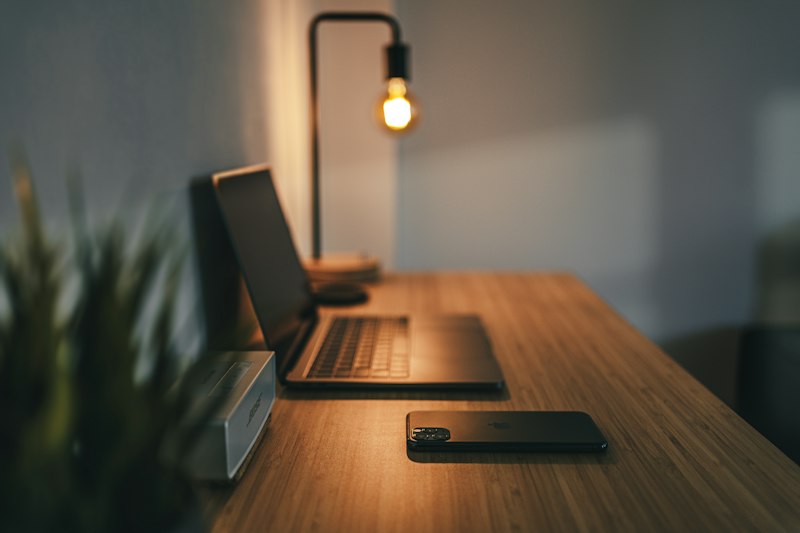
The overview to read first: how to set up a proper WFH space without destroying your back or your budget.
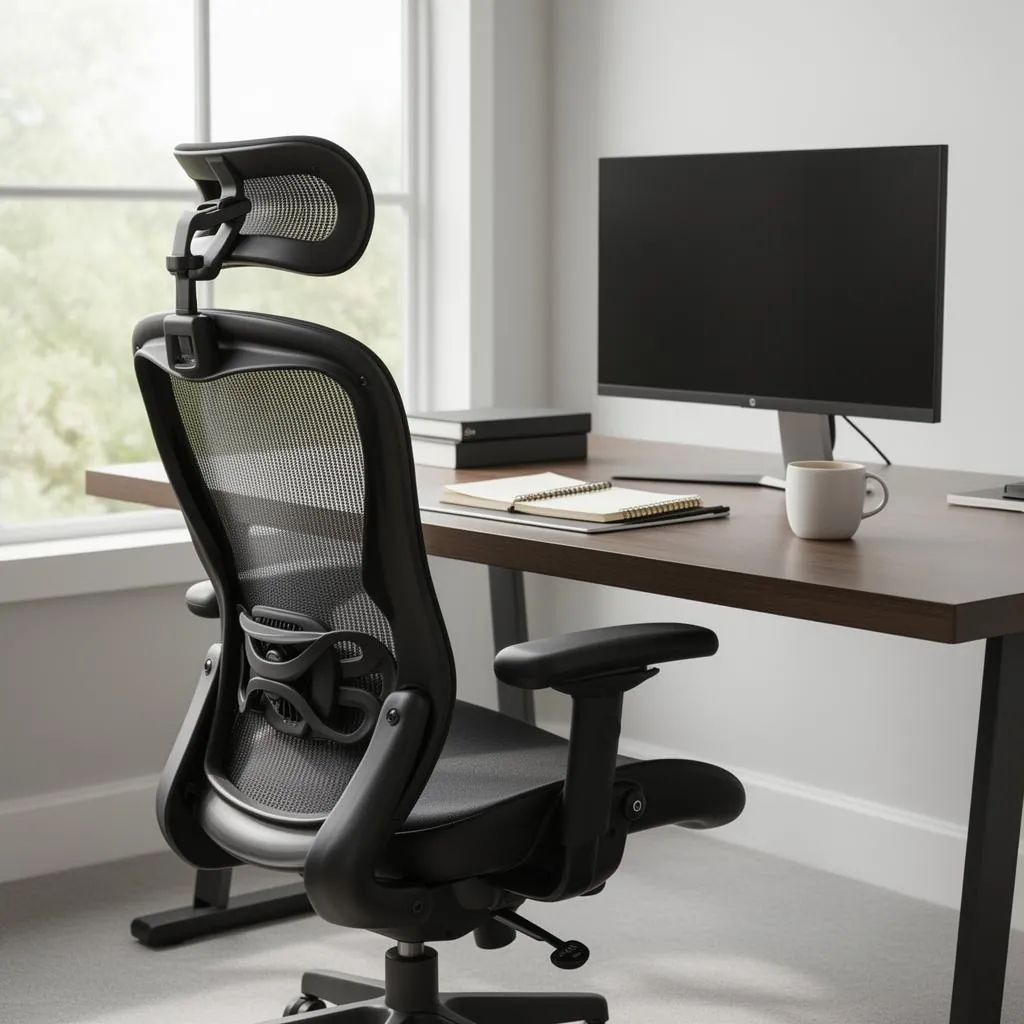
The single best investment in the room. The ErgoTune Joobie leads our picks.
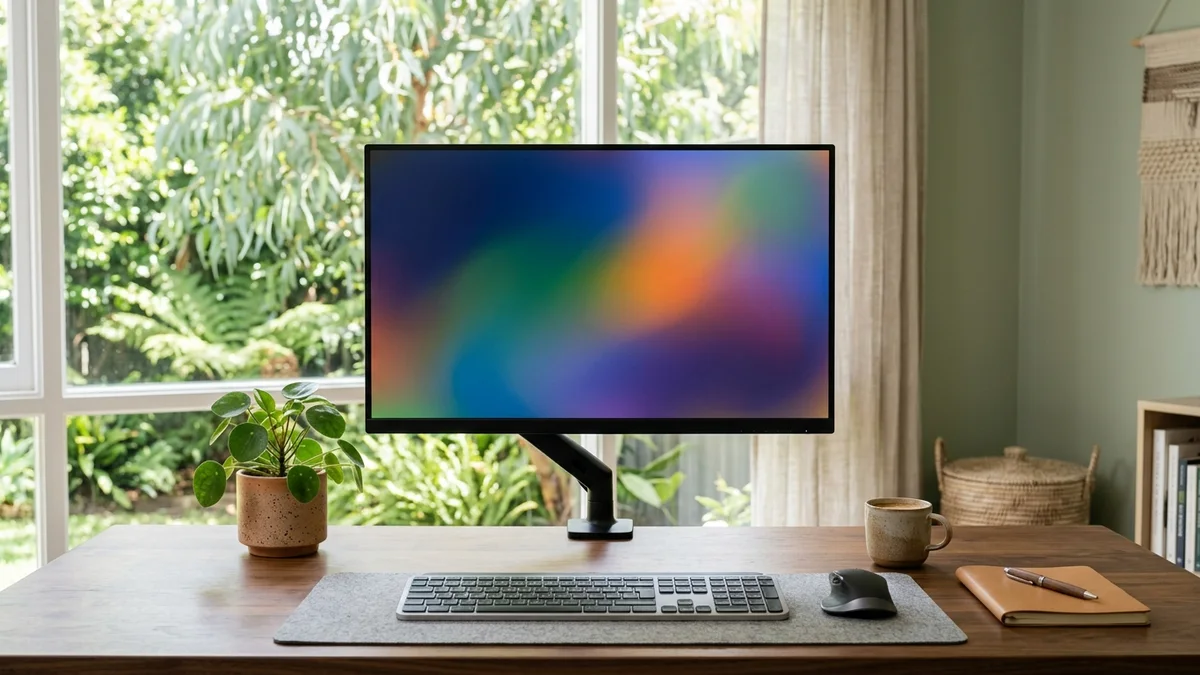
The AOC 27B3HA2 is a genuine 27in IPS panel, and we explain when it's worth spending more.
Working from home starts as a kitchen chair experiment and ends, around week two, as a lower back negotiation. The fix is duller than a standing desk: the SIHOO M57 with real lumbar adjustment, and an AOC 27 inch IPS monitor so the laptop screen stops living at chin height. Both are work gear. The receipts belong in your tax folder.
From there these guides spread into everything a home office accretes: webcams, the DYMO label maker your filing system deserves, mini PCs for when the laptop's fan develops opinions, and the entire cable and charger drawer.
Chairs, desks and ergonomics
The bones of the setup: where you sit, what you sit at, and the arms, rests and lamps that stop an eight-hour day from hurting.


 Cable ClipsAdhesive cable clips are the cheapest way to get cords off the floor and out from under your chair wheels. Our top pick is the SOULWIT 50-piece adhesive set for its hold and value, with a Lamicall spring clip and a budget SOULWIT silicone holder rounding out the trio.
 Document TraysA stackable metal Mind Reader tray is our top pick for most Australian desks, the Simple Houseware three tier set is the smart value choice, and the Marbig Enviro A4 tray is the cheapest way to tame paperwork. Seven trays compared on real Amazon AU ratings.
 Desk Shelves
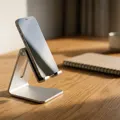 Phone StandsAfter comparing the top rated phone stands on Amazon Australia, the Lamicall Ultra Thin is our overall pick for its weighted metal base and slim fold. The UGREEN aluminium stand is the best all rounder, and the Nulaxy A4 is the budget buy with the most reviews of any stand we looked at.
 Desk Fans
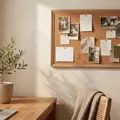 CorkboardsAfter studying Amazon AU listings, ratings and thousands of reviews, the SWANCROWN lockable corkboard is our top pick, the TORASO pin board is the best value, and the OWLKELA linen board is the budget choice. Here is how six corkboards compare for the office, home and classroom.
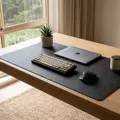 Desk Mats
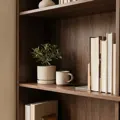 BookendsHeavy steel bookends hold textbooks and records without sliding, while decorative ceramic or stone pairs lean toward looks over load. Our top pick is the MerryNine Kung Fu Man bookend for its weight and personality; the VFINE three pair set is the smart value buy; the HmProFocus pair is the cheapest way to stop a row of books toppling.
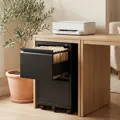 Filing Cabinets
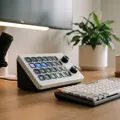 Stream DeckThe best stream deck in Australia is the Elgato Stream Deck XL, with 32 customizable LCD keys on Amazon AU. The Stream Deck + adds dials and a touch strip, the MK.2 lists 15 keys and the Mini lists 6. We compared seven decks.
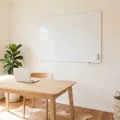 WhiteboardsFor most Australian homes we recommend the Amazon Basics 90x60cm Magnetic Whiteboard, a magnetic wall board listed with a pen tray, 6 magnets, 1 eraser and 2 markers. We also compare a glass desk board, double sided mini boards, an easel, a kids board, lapboards and a mobile board on wheels.
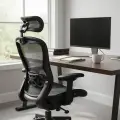 Ergonomic Chair
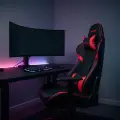 Gaming Chair
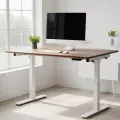 Standing Desk
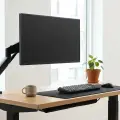 Monitor ArmsWe compared six monitor arms sold on Amazon Australia across gas-spring feel, weight rating, VESA fit and single vs dual setups. Here are the picks that lift your screen to eye level and actually hold their height.
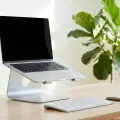 Laptop Stands
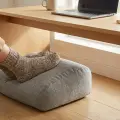 Foot RestIf you sit at a desk all day, a foot rest is one of the cheapest ways to take pressure off your legs and lower back. We compared six under-desk foot rests sold on Amazon Australia (soft memory-foam cushions, hard tilting platforms, and adjustable-height stools) and sorted them by what each one is genuinely best at so you can match one to your desk and your budget.
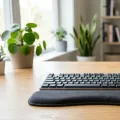 Wrist RestsA wrist rest pads the hard edge of your desk so your hands have somewhere soft to land between bursts of typing, easing the strain that builds over a long day at the keyboard or mouse. The right one depends on what you are resting and how your hands run: a gel mouse-pad rest is the cheap classic, a thick memory-foam keyboard rest holds its shape under your wrists, a cooling-gel rest suits hands that run hot, a compact gaming pad matches a smaller mechanical board, and a self-adjusting gel mat conforms to your wrist. We weighed fill type, length, cooling and the surface against the price. These six run from the MROCO gel rest up to the Kensington Duo Gel.
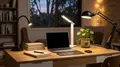 LED Desk Lamps
 Monitor Light BarThe best monitor light bar in Australia for most desks is the BenQ ScreenBar Halo 2, sold by BenQ Australia, with a rear ambient halo, a rechargeable wireless dial and motion sensing. It fits flat and curved monitors, and we compared twelve bars on optics, fit, controls and light quality.
 Desk ChairYou spend more of your working day in your desk chair than almost anywhere else, so it pays to get the adjustments right.
Screens, computers and input gear
Monitors, mini PCs and tablets, plus the keyboards and mice you'll actually touch all day, and the backpack that carries the laptop home.
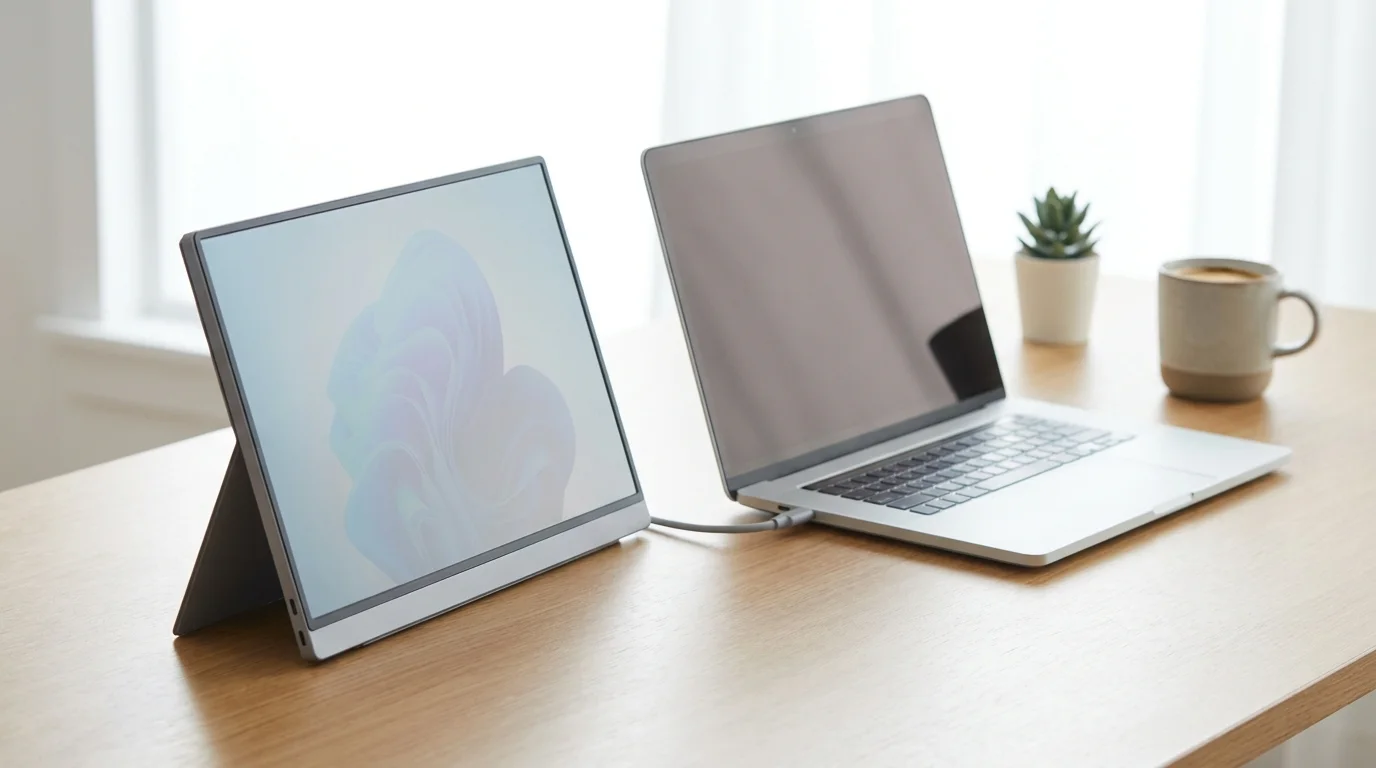
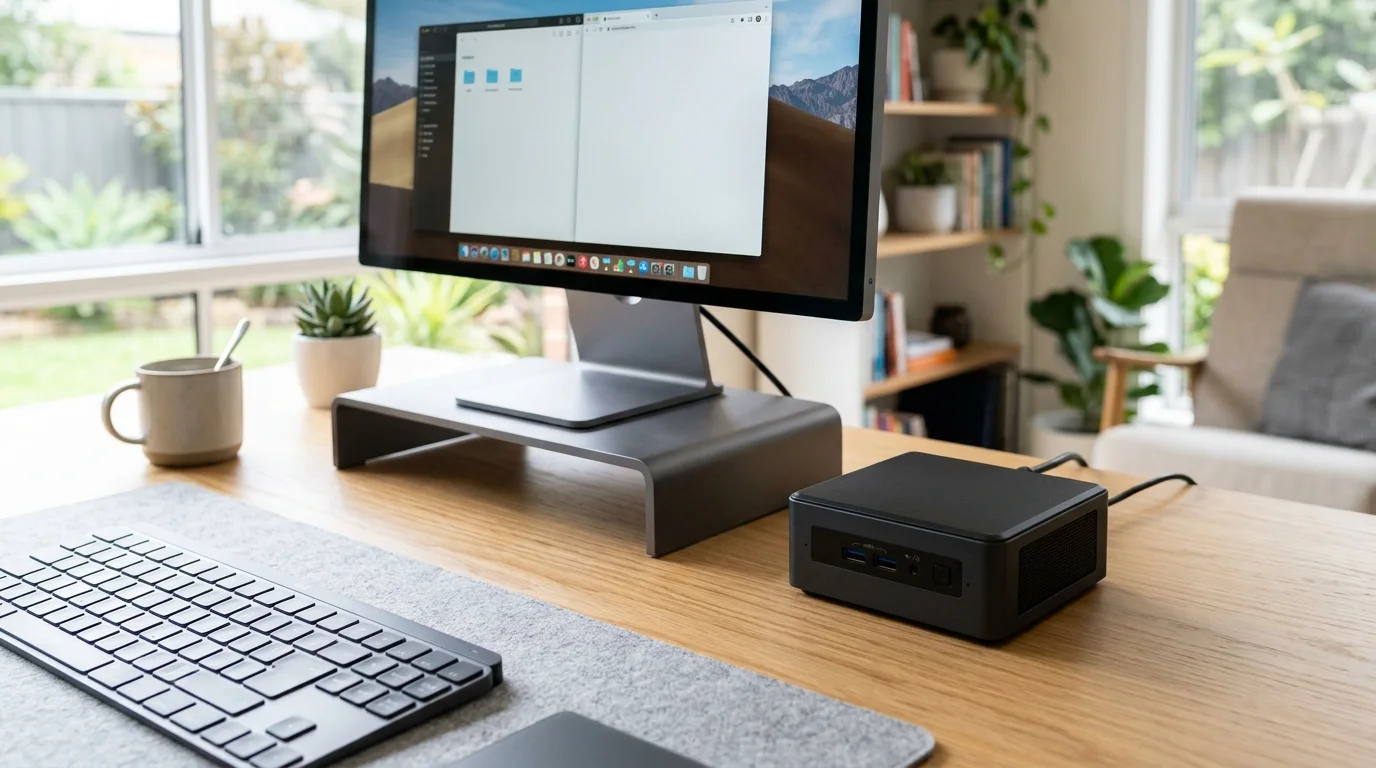
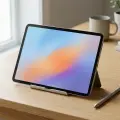 TabletThe Lenovo Idea Tab Plus 12.1 is the tablet we put first in this guide to the best tablet in Australia: a 12.1 inch 90Hz tablet with a pen bundled in the box, sold by Amazon AU but with only a handful of ratings so far. For a deeper rating count, the Apple iPad (A16) is the option to check.
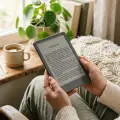 E Readers
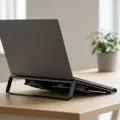 Laptop Cooling Pad
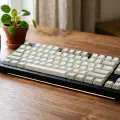 Mechanical KeyboardsFor a mechanical keyboard in Australia, we put the EPOMAKER x Aula F75 first: a 75% board with Bluetooth, 2.4GHz and USB-C connections and hot swappable switches, with the highest rating on this page. Five more cover full size, 60%, quiet tactile and Hall effect needs.
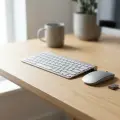 Wireless Keyboard Combo
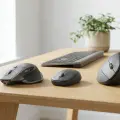 Wireless Mouse
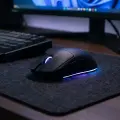 Gaming Mouse
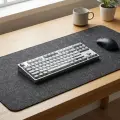 Mouse PadsThe best mouse pad for most Australian desks is the Cute Frog Mouse Pad Desk Pad Kawaii Green Desk Decor Mat, a large polyester fabric mat with a non skid natural rubber back. We compare eight Amazon AU pads by listed size, surface, base and cleaning, from small cloth pads to full desk mats.
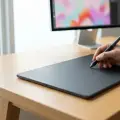 Graphics TabletOur best overall graphics tablet in Australia is the XPPen Artist 15.6 Pro V2, a pen display you draw on directly that needs a computer to use. If you would rather start with a screenless pen tablet, the GAOMON S620 and HUION Inspiroy H640P are compared below from their Amazon AU listings.
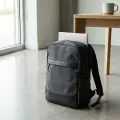 Laptop BackpacksThe best laptop backpack protects your machine in a dedicated padded sleeve, shrugs off a rainy commute, and stays comfortable across a full day. We compared six widely reviewed picks on Amazon Australia (from the value-brand Lenovo and Tzowla packs with enormous review counts to the premium Dell EcoLoop Pro) so you can match the right size, capacity and features to how you actually carry your laptop.
Look and sound decent on calls
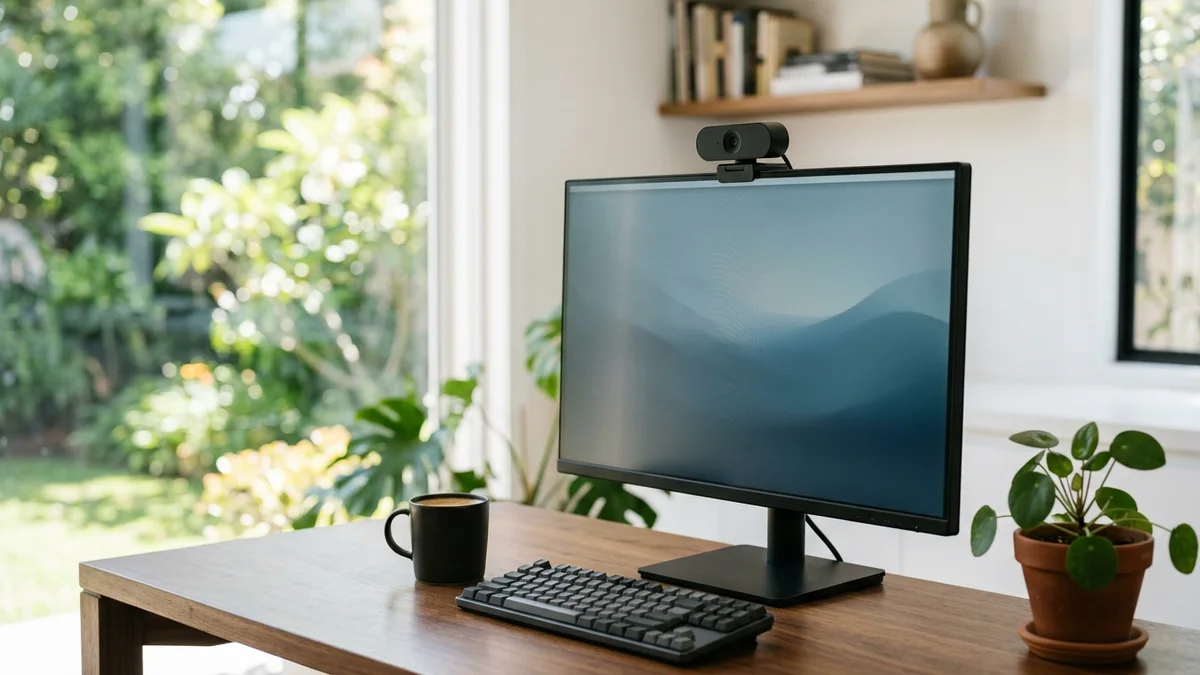
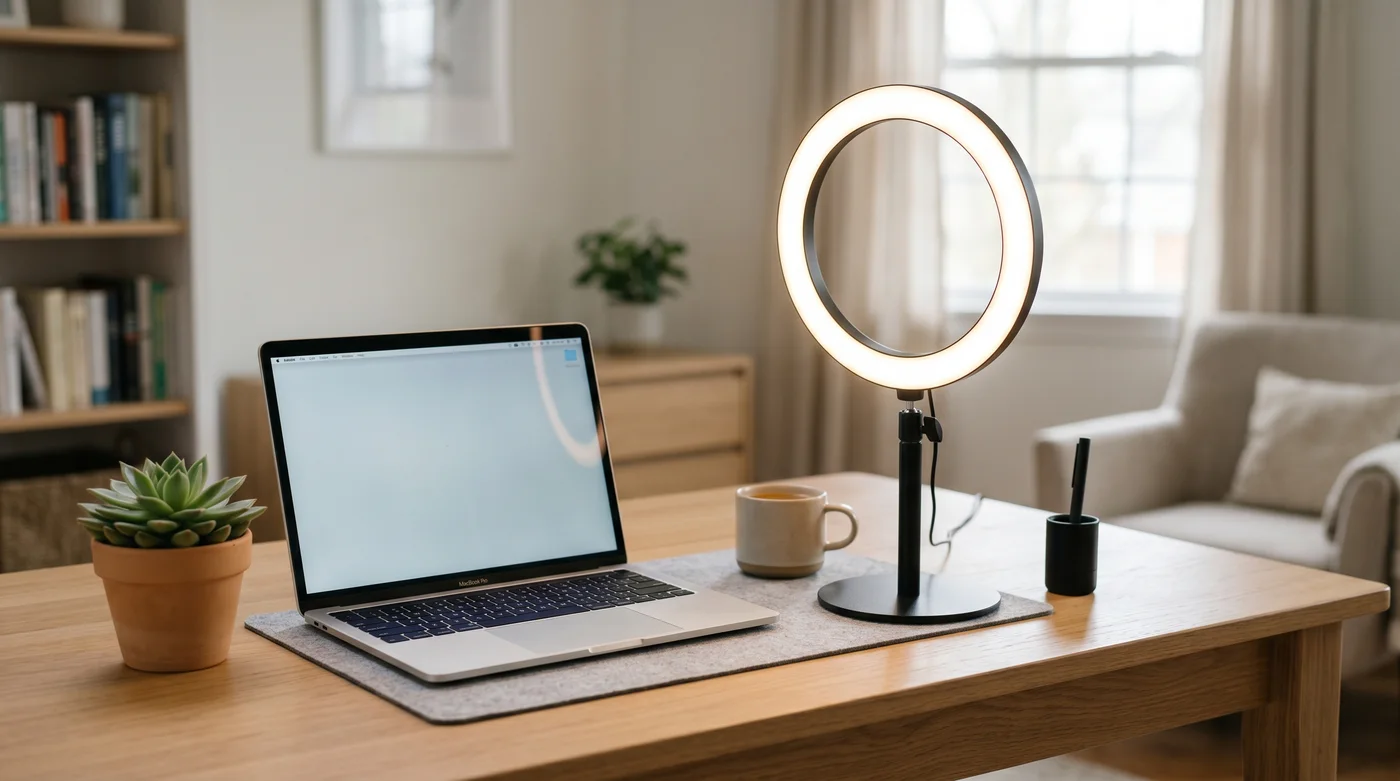
Webcams, microphones, lighting and headsets: the gear that decides whether the meeting sees a professional or a silhouette.

 USB Microphone
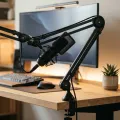 Microphone Boom ArmsA mic boom arm gets the microphone off your desk and right up to your mouth, clears the clutter and stops keyboard thumps travelling into your audio. The right one depends on your mic and your desk: a classic scissor-spring arm is the cheap, bouncy standard, a low-profile arm sits below your screen for a clear sightline, a heavy-duty metal arm holds a bigger mic without sagging, and a spring-damped studio arm repositions in silence. We weighed weight capacity, how it mounts, cable management and how quietly it moves. These six run from a NEEWER scissor arm up to a RODE PSA1+ studio arm.
 Gaming HeadsetSix gaming headsets you can buy on Amazon AU right now, ranked cheapest to dearest with live AUD pricing and real Australian star ratings. We cover the things generic US guides skip: how it connects, whether it actually works on your console (Xbox is a trap), and what your teammates really hear.
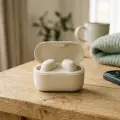 Wireless EarbudsThe best earbuds for you depend on your phone, your ears and where you listen, not the biggest noise-cancelling number on the box. We picked six honest options and explain where AirPods really fit.
Cables, charging and storage
The quiet plumbing of a desk that works: the right cable, hub, charger and drive, plus the tray that hides the lot.
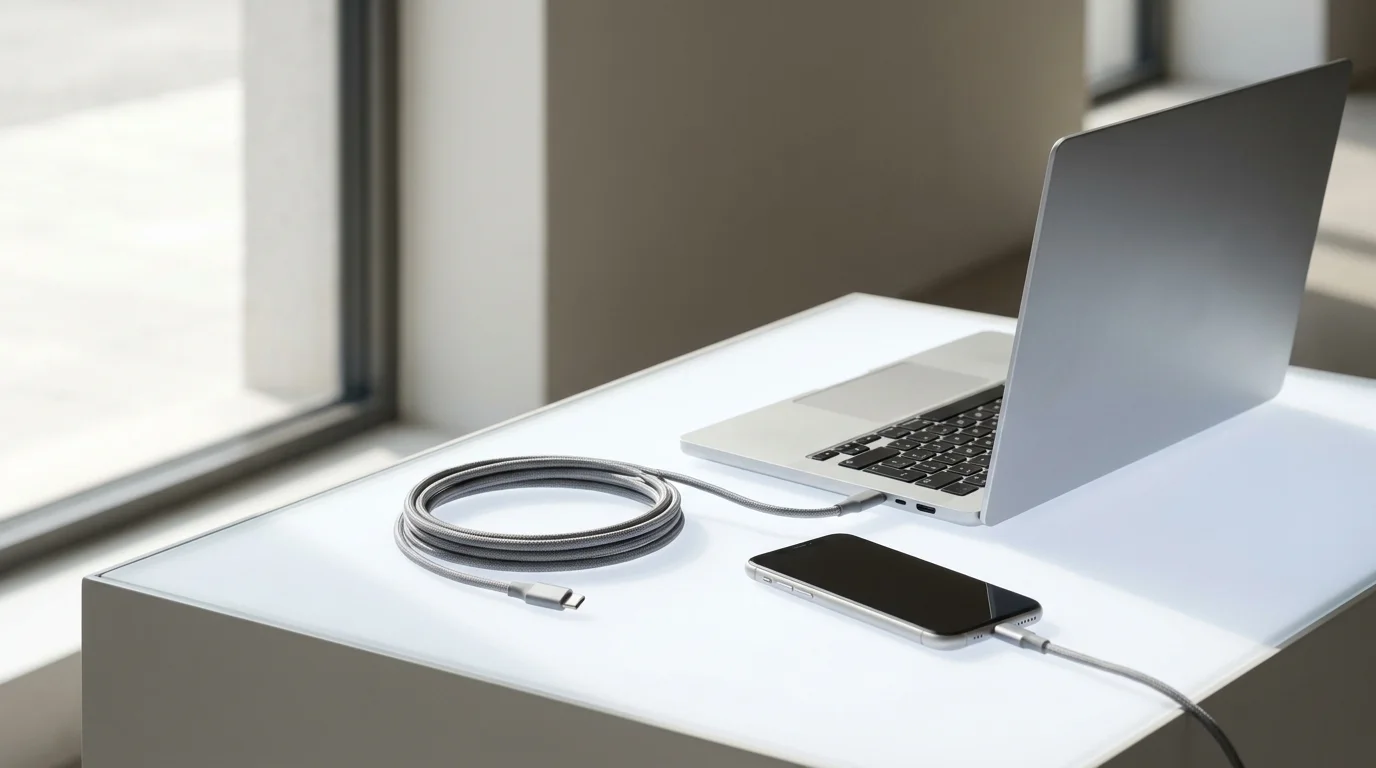
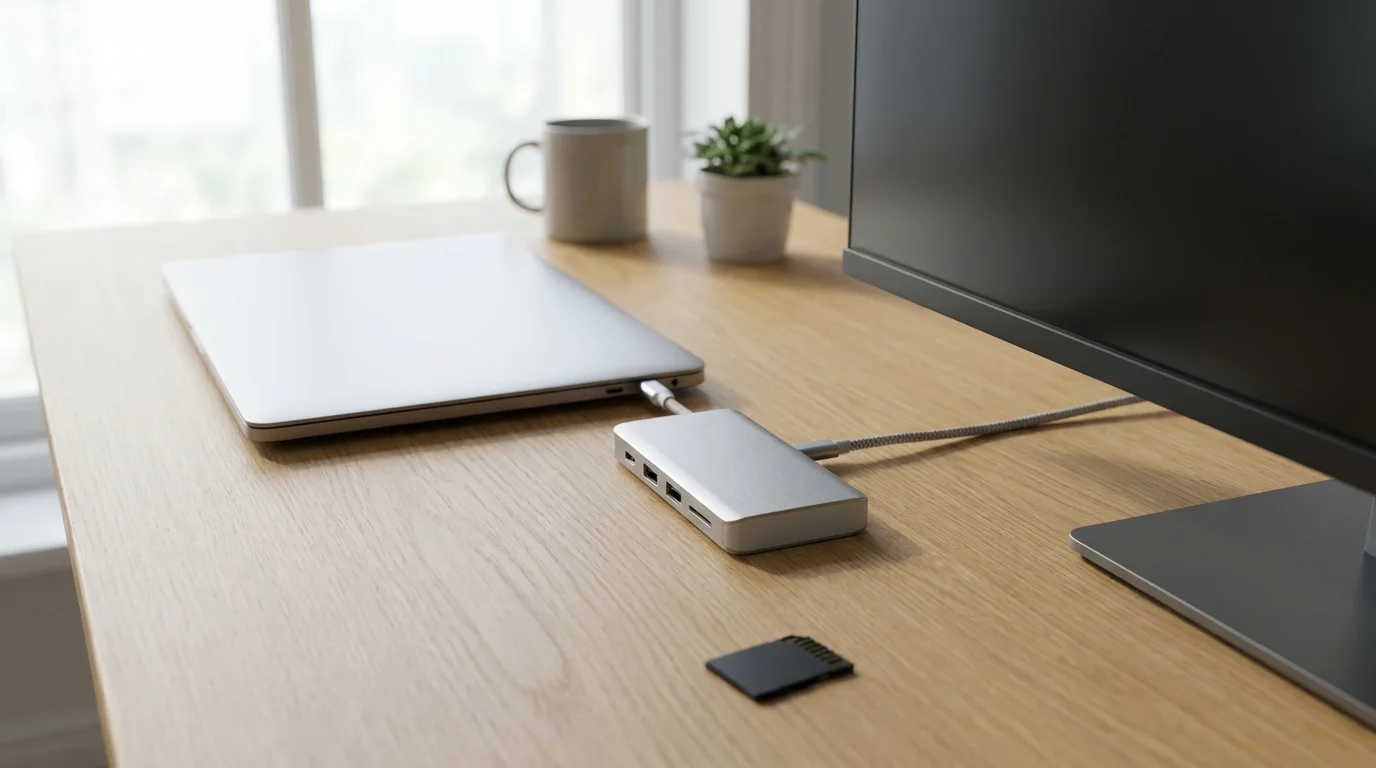
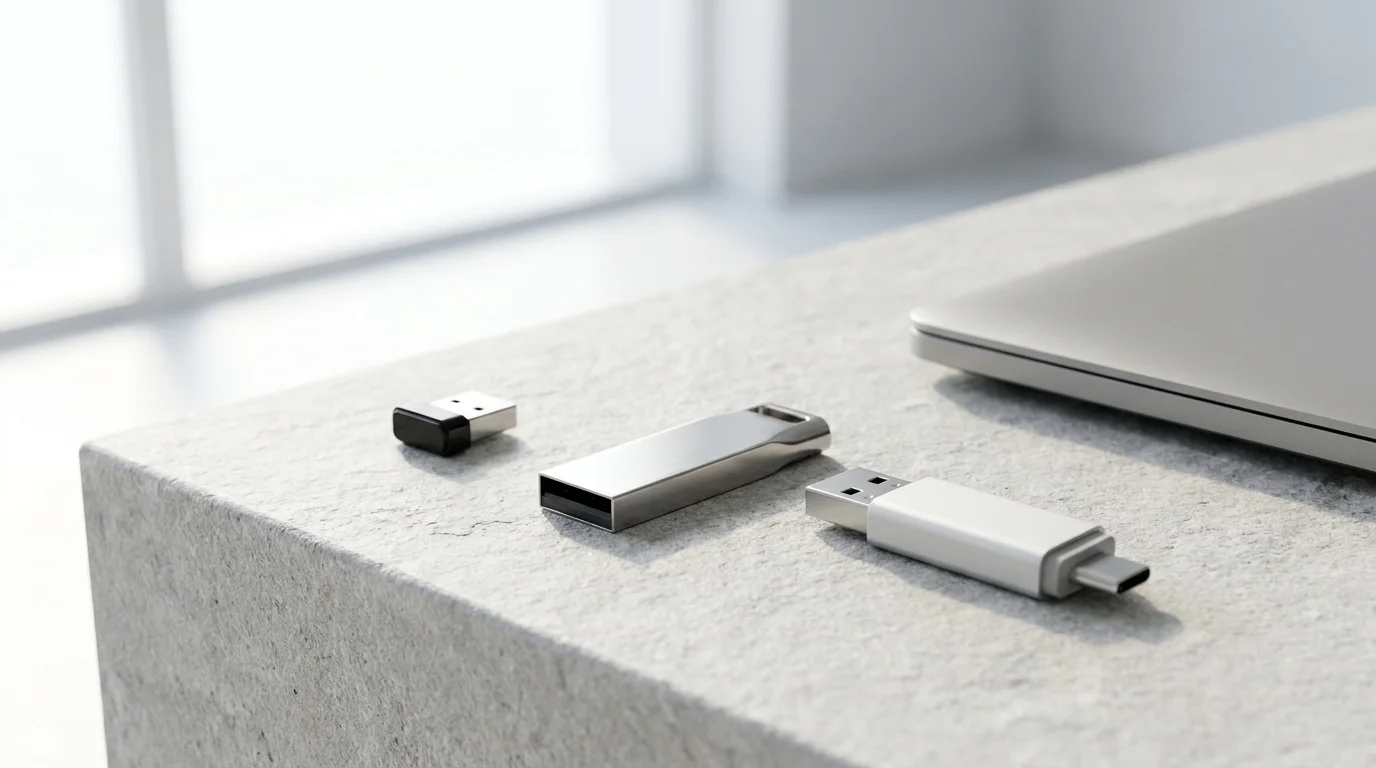
 Portable SSDsA portable SSD is fast, pocket-sized external storage: the easy way to back up a laptop, offload photos and 4K video, carry a game library or work straight off the drive. The things that matter are capacity, read and write speed in MB/s and the USB standard behind it, durability for travel, and whether it works with your phone or console. These six run from the ORICO 256GB drive up to the Samsung T7 1TB, the iconic best selling portable SSD and our pick.
 microSD CardThe right microSD card depends entirely on the job: a dash cam, a phone, a GoPro, a Nintendo Switch and a Raspberry Pi all want different things. We cut through the speed-class jargon and the counterfeit minefield to match six genuine SanDisk, Samsung and Gigastone cards to the device you actually own, so you record 4K without dropping frames and never lose footage to a fake card.
 Wireless Charger
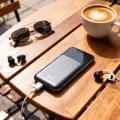 Power BanksThe best power bank in Australia for general phone backup is the INIU Power Bank 20000mAh 22.5W, with three ports and a three year warranty on its listing. We compare it with Anker models for a smaller capacity, an attached cable and compatible laptop charging, using the listings' stated features and conditions.
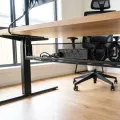 Cable Management Tray
Paper, printing and the rest of the room
Label makers, scanners, shredders and printers for the admin pile, plus the home gym for when the spare room has to multitask.


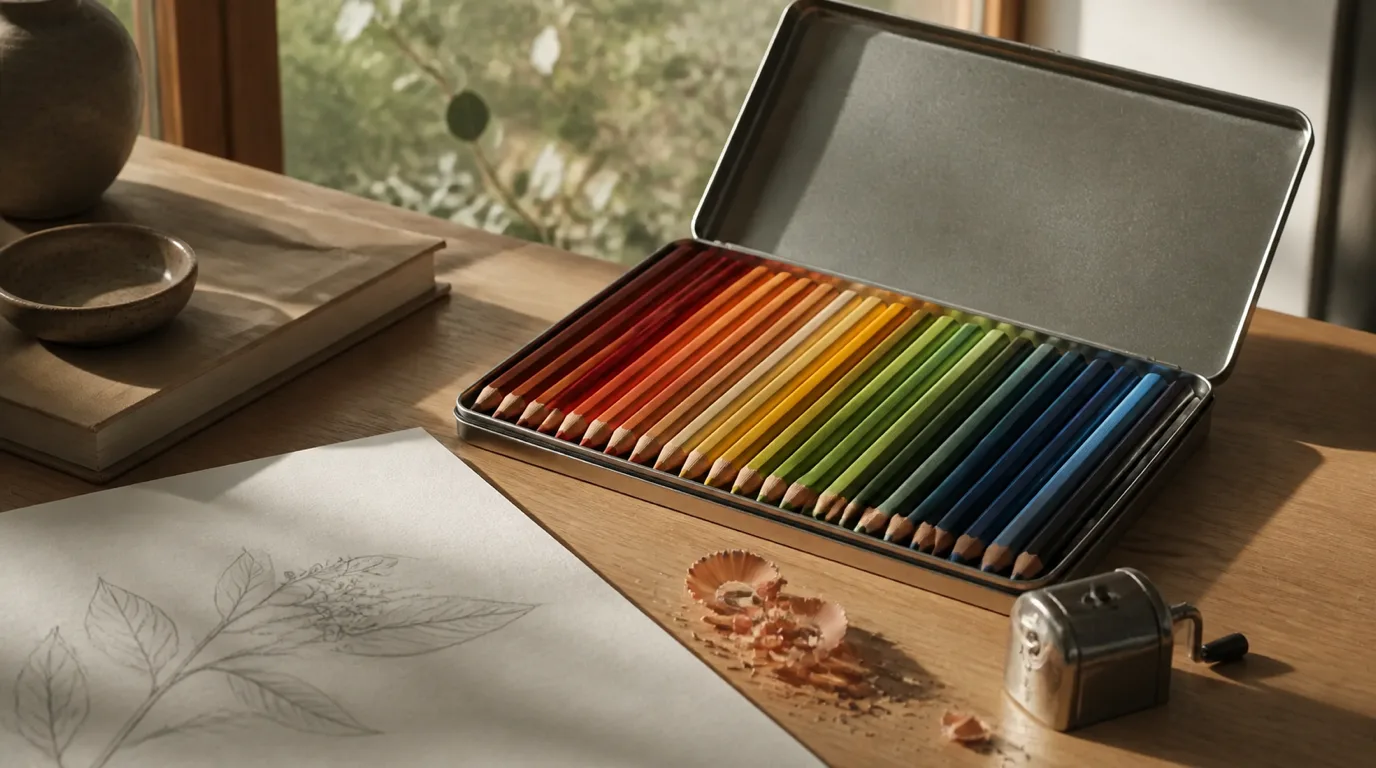
 Book Stands
 Scientific CalculatorsThe best scientific calculator in this guide is the Texas Instruments TI-30X Plus Mathprint Scientific Calculator, which lists a four line display and nine regression options, but its rating comes from only a handful of buyers so far. Check your school's approved model list first. The Casio FX-82ES Plus 2nd Edition has a far deeper rating count.
 Paper Cutters
 Laminators
 Binding MachinesA first-home-buyer friendly guide to the best binding machines in Australia for 2026, covering comb, thermal and wire binders for home offices, budgets and high-volume work.
 Fountain PensSeven fountain pens for Australian desks, from a forgiving Pilot Kakuno beginner to the modern-classic Lamy Safari and a gift-ready Scriveiner, with real prices, nib guidance and honest flaws.
 Notebooks and Journals
 Home SafesSeven home safes sold on Amazon Australia, sorted by what each listing actually states rather than what the photography implies. The SentrySafe CHW20221 fire and water chest leads on certification, the Amazon Basics 14 L keypad safe is the best all-round bolt-down buy for a first home, and a slim drawer safe covers the cheap end. Includes an honest read on white-labelled brands, fire ratings without numbers, and why no pick here carries an Australian standard or insurer cash rating.
 Home Printers
 Label Printer and Label MakerA label maker quietly transforms a pantry, a cable mess or an office filing drawer, but the cheap sticker price hides the real cost: the tape. We compared for durability, design method and ongoing label cost so you buy once and stop wasting money on cassettes.
 Label Maker
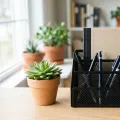 Desk OrganisersA desk organiser clears the clutter and puts pens, sticky notes, scissors and stray cables where your hand expects them. The right one depends on what is piling up and how much desk you can spare: a simple mesh pen caddy is the cheap classic, an all-in-one unit with letter trays and a drawer corrals paperwork too, a rotating caddy spins art and craft supplies into reach, a vertical standing organiser saves precious footprint, and a bamboo caddy brings warmth to a desk you actually see. We weighed what it holds, its footprint, the material and who it suits. These six run from an Amazon Basics caddy up to a Utoplike bamboo piece.
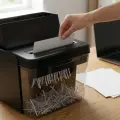 Paper ShredderThe best paper shredder in Australia for most homes is the Rexel Optimum Auto Feed+ 100, an automatic cross cut model with a 100 sheet hopper and a 34 litre bin. The other five picks run from hand fed budget units to a P-5 micro cut Rexel for sensitive documents.
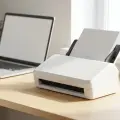 Document ScannerThe best document scanner in Australia for most home offices is the Brother ADS-3100. Its Amazon Australia listing states scanning speeds of up to 40ppm for single and dual sided pages and a capacity of up to 60 pages, and Amazon AU is the seller. We read six listings for duplex, OCR, connection and seller.
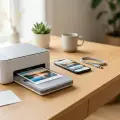 Photo PrinterThe Liene Pearl K100 is the photo printer we put first: a 2x3 inch Bluetooth pocket printer with an extra 50 sheets of Zink paper. The real choice is a pocket printer for small phone prints or the larger Canon SELPHY CP1500, and the Xiaomi 1S, HP Sprocket and Fujifilm Mini Link3 are the other pocket printers.
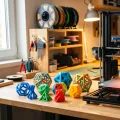 3D PrinterThe best 3D printer in Australia for most people is the Bambu Lab A1 Combo, which prints multicolour out of the box with the included AMS lite. The FLASHFORGE Adventurer 5M is the budget FDM starter, the Bambu Lab P1S Combo adds an enclosed chamber for ABS and ASA, and the ELEGOO Mars 5 is the resin pick.
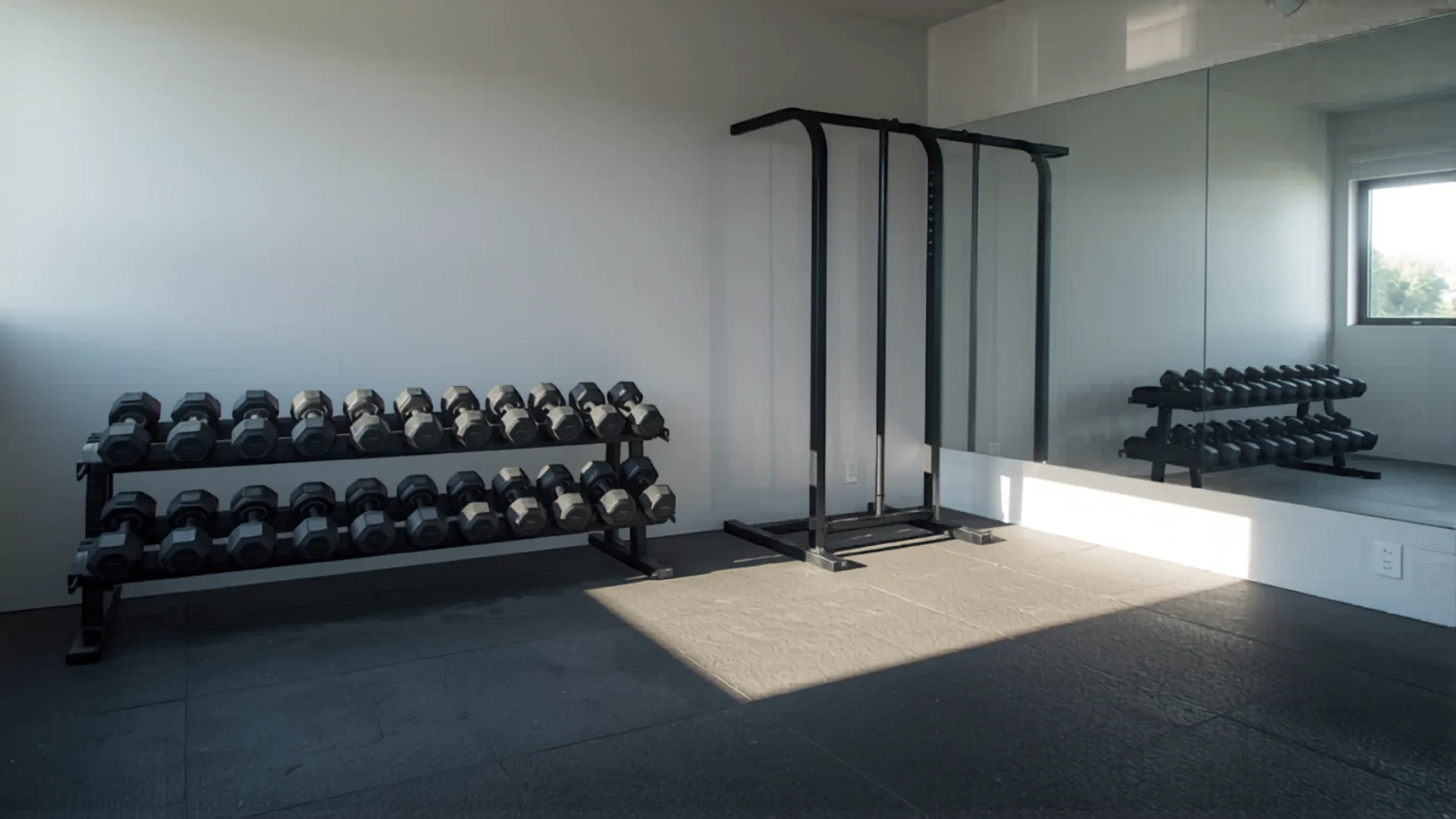 Home Gym Setup: Build Your First Gym on Any BudgetA home gym pays for itself in 6 months vs a gym membership. Here's how to set one up in your garage, spare room, or even a corner of the living room.
Set up every room in the right order.
The room-by-room checklist we’d hand a mate on settlement day, with our pick for each job. One email, then we leave you alone.
Home Office questions, answered straight
What does a basic ergonomic WFH setup need?
The pair that matters: a chair with real lumbar support like the SIHOO M57 and a 27 inch monitor like the AOC. Add a webcam if you take calls daily. Home office gear is generally claimable territory if you genuinely work from home. Keep the receipts and ask your accountant.
What home office gear should a first-home buyer prioritise?
A proper chair before anything else: it's the item you'll use eight hours a day and the one a dining chair fakes worst. After that, a desk that fits the actual room (measure the spare bedroom before you fall in love with a 160cm desktop). Our ergonomic chair and standing desk guides name specific picks for both.
Does NestPath test products itself?
No. We do not physically test products. Our office guides are researched from the Amazon AU listings, buyer reviews and the wider expert consensus.
Screen height matters for your neck: the AOC's 100x100 VESA mount lets it go on a compatible monitor arm at eye level, instead of you looking down at a laptop all day.
Anish Puri, NestPath


CERTAIN CONTENT THAT APPEARS ON THIS SITE COMES FROM AMAZON. THIS CONTENT IS PROVIDED ‘AS IS’ AND IS SUBJECT TO CHANGE OR REMOVAL AT ANY TIME.